Table of Contents
Recent Stories
View all
Create AI-Powered VR & Planetarium Content for Education, Space, Nature & Imagination | BuildVR
Turn your ideas into immersive VR headset experiences and planetarium videos with BuildVR AI. Create educational journeys, space explorations, realistic landscapes, and imaginative worlds. Contact BuildVR for a custom quotation.
Read Story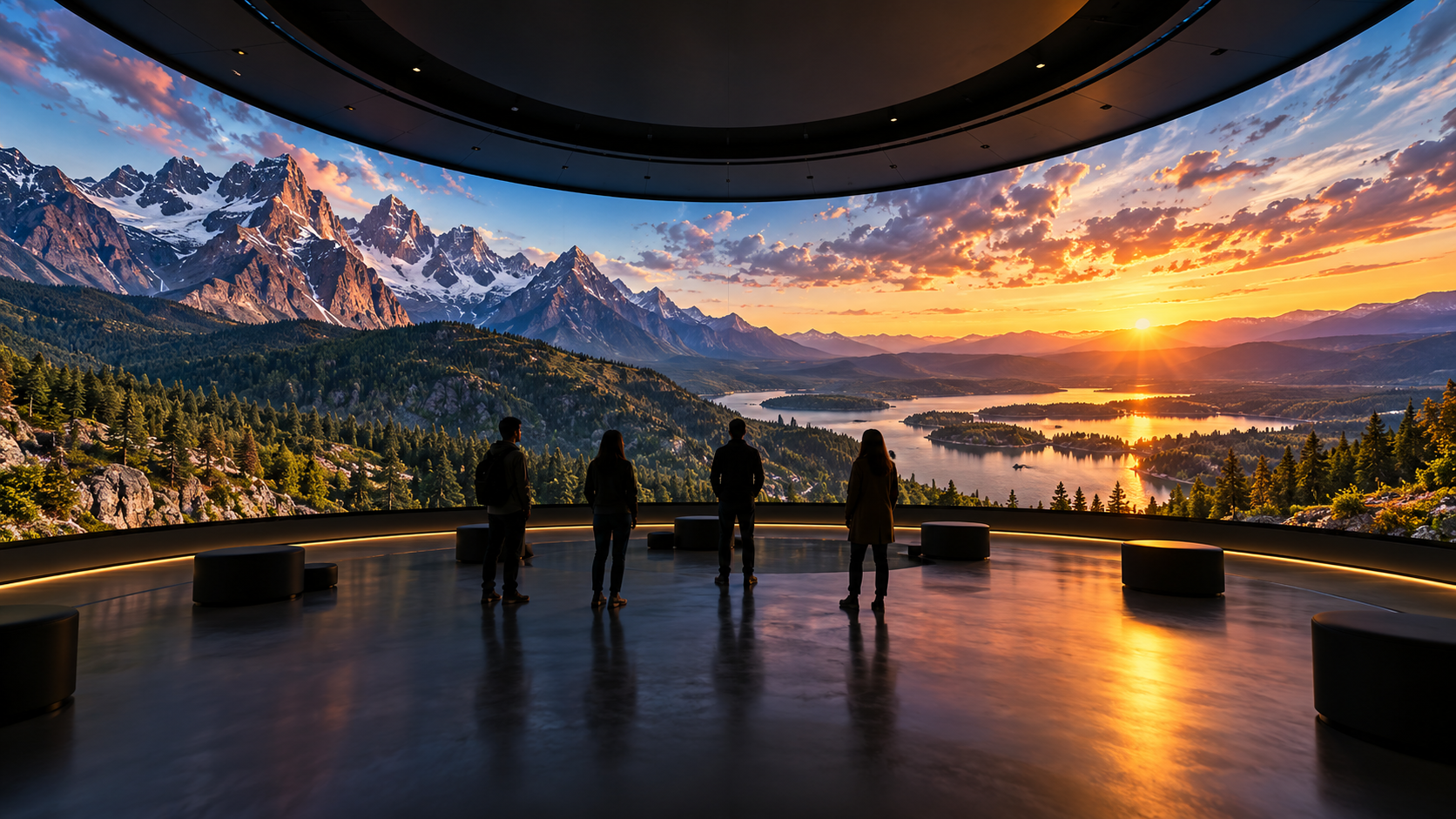
Convert Any Video into High-Resolution Cylindrical & Igloo Projection with BuildVR AI
Transform standard videos into high-resolution cylindrical and Igloo projection content with BuildVR AI. Expand scenes intelligently, support custom resolutions, and create immersive visuals for domes, events, and large-scale projection environments.
Read StoryVR Kids Videos: Safe & Fun 360° Adventures 🎈🥽

Virtual Reality isn’t just for gamers and thrill seekers — it’s also becoming a powerful tool for children’s entertainment and learning. VR kids videos offer safe, interactive, and immersive 360° adventures that combine fun with creativity. In 2025, child-friendly VR content is designed with safety, comfort, and educational value in mind. From animated adventures to virtual zoo tours, immersive 360° videos give kids the chance to explore new worlds in a controlled environment.
🧒 Why VR Is Exciting for Kids
Children naturally love exploration. VR enhances that curiosity by allowing them to:
- Look around freely in 360°
- Interact visually with colorful environments
- Experience stories from inside the scene
- Learn through immersive storytelling
Unlike passive screen time, VR can make content feel active and engaging.
🌍 Types of VR Kids Adventures
🦁 1. Virtual Zoo & Wildlife Tours
Kids can explore animals up close in 360° environments safely.
🚀 2. Space & Science Explorations
Travel through the solar system or dive into educational science experiences.
🏰 3. Animated Story Worlds
Bright, cartoon-style environments designed specifically for younger viewers.
🌊 4. Nature & Underwater Adventures
Explore oceans, forests, and natural habitats in immersive format.
You can discover immersive VR experiences here:
👉 https://buildvr.gretxp.com/watch-vr-videos
Explore all categories here:
👉 https://buildvr.gretxp.com/home
🛡️ Safety Tips for Kids Using VR
Safety is crucial when introducing children to VR.
✔ Use age-appropriate content
✔ Limit sessions to short durations (10–15 minutes)
✔ Supervise usage
✔ Ensure headset fits properly
✔ Choose high-quality, smooth playback content
Parents should always monitor usage and select curated platforms that prioritize safe viewing experiences.
🎓 Educational Benefits of VR for Kids
VR content can support learning by:
- Improving spatial understanding
- Enhancing memory retention
- Encouraging curiosity
- Making complex subjects visually simple
Educational institutions are increasingly adopting immersive 360° videos to make learning interactive.
🚀 Why VR Kids Content Is Growing in 2025
Advancements in 360° filming, smoother playback technology, and better parental controls have made VR more accessible for younger audiences.
Production houses creating children’s VR content now focus on:
- Bright color grading
- Stable camera movement
- Shorter video durations
- Smooth frame rates (60fps+)
- Age-appropriate storytelling
These improvements ensure immersive yet comfortable viewing experiences.
🎯 Final Thoughts
VR kids videos combine entertainment, creativity, and learning in a way traditional videos cannot. When designed responsibly, immersive 360° adventures can be safe, fun, and educational.
With proper supervision and curated platforms, children can explore new worlds safely through VR.

FAQs (Video Processing + Production House Needs)
1. What are VR kids videos?
Child-friendly 360° immersive videos designed for safe viewing in VR.
2. Are VR videos safe for children?
Yes, when age-appropriate and used with supervision.
3. What age is suitable for VR content?
Generally recommended for children 7+ depending on headset guidelines.
4. What resolution is best for kids VR?
4K for clarity and reduced visual strain.
5. Why is frame rate important for children?
Higher frame rates (60fps+) reduce motion discomfort.
6. How are VR kids videos filmed?
Using stabilized 360° camera rigs.
7. What is VR video stitching?
Combining multiple camera feeds into one seamless sphere.
8. Why is stabilization critical for kids VR?
It prevents dizziness and enhances comfort.
9. What video formats are used?
MP4 with H.264/H.265 compression.
10. How long should VR sessions be for kids?
10–15 minutes per session.
11. What are production houses’ top needs for kids VR?
Safe content guidelines, smooth rendering, scalable hosting, adaptive streaming, and parental controls.
12. Why is color grading important?
Bright, balanced colors improve visual clarity.
13. What bitrate is recommended for 4K VR?
20–40 Mbps for smooth playback.
14. How is immersive audio handled?
Using spatial audio at safe volume levels.
15. What editing tools are used for VR?
Adobe Premiere Pro and VR-specific stitching software.
16. How do platforms ensure safe distribution?
Through moderation systems and secure streaming.
17. Can VR kids content be educational?
Yes, especially for science, geography, and history.
18. Why is adaptive streaming important?
Ensures smooth playback across devices.
19. What internet speed is recommended?
Minimum 25 Mbps for 4K VR streaming.
20. How do production houses store VR content?
Using cloud-based infrastructure and CDN networks.
21. What is immersive rendering?
Optimizing video for headset playback performance.
22. Why is compression important?
Maintains quality while reducing file size.
23. Can VR kids videos be monetized?
Yes, through subscriptions or educational licensing.
24. Are VR kids videos compatible with all headsets?
Most modern headsets support 360° playback.
25. Where can families watch curated VR kids content?
On immersive platforms optimized for safe VR playback like BuildVR.
Create Immersive Experiences with BuildVR
Convert videos, build VR websites and preview immersive content right in your browser.