Preview Your VR Video Before You Publish
See exactly how your video will look on flat, curved, dome, and half-dome screens — and fine-tune scale and audience distance — before your audience ever sees it. No VR headset required to preview.
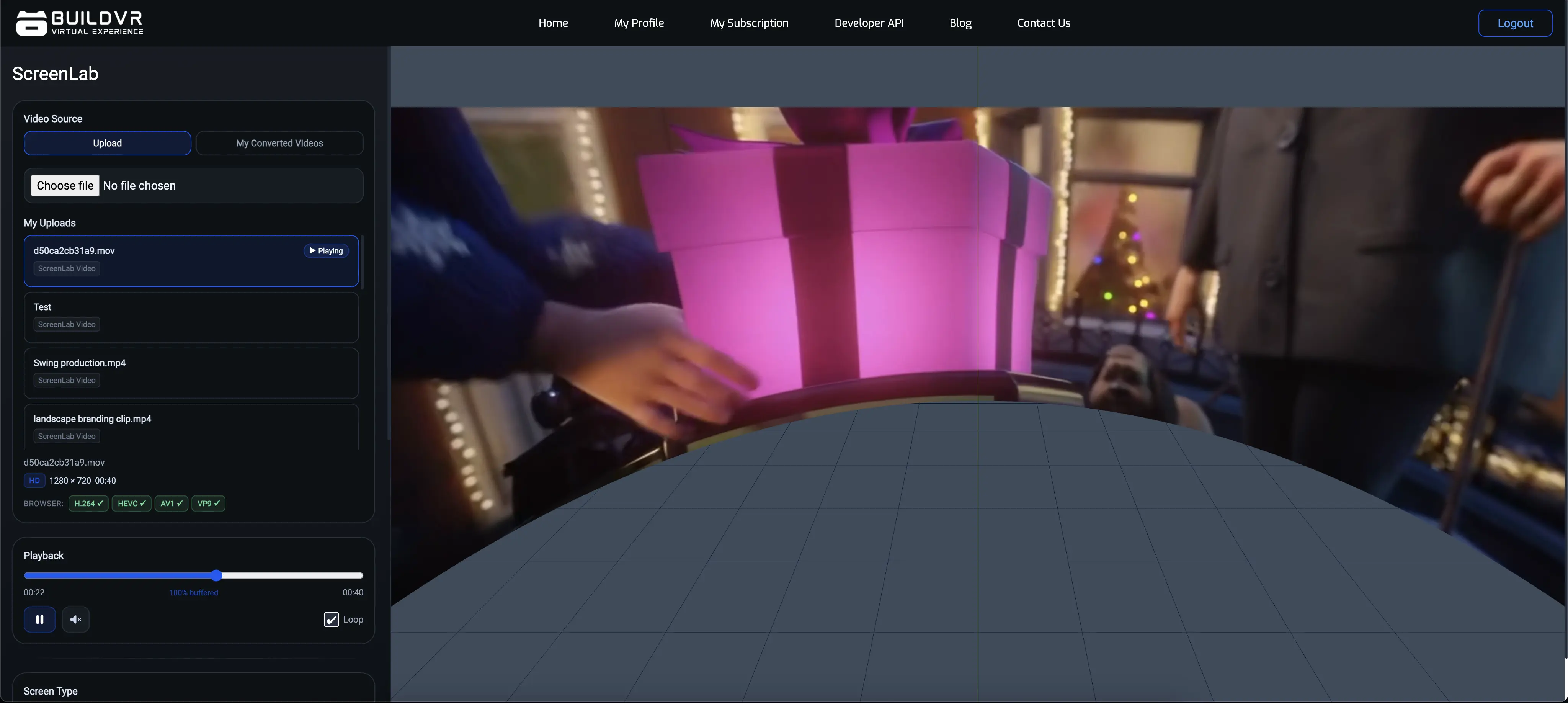
Overview
Preview Across Every Screen Format
Visualize your content across multiple immersive screen formats before deployment.
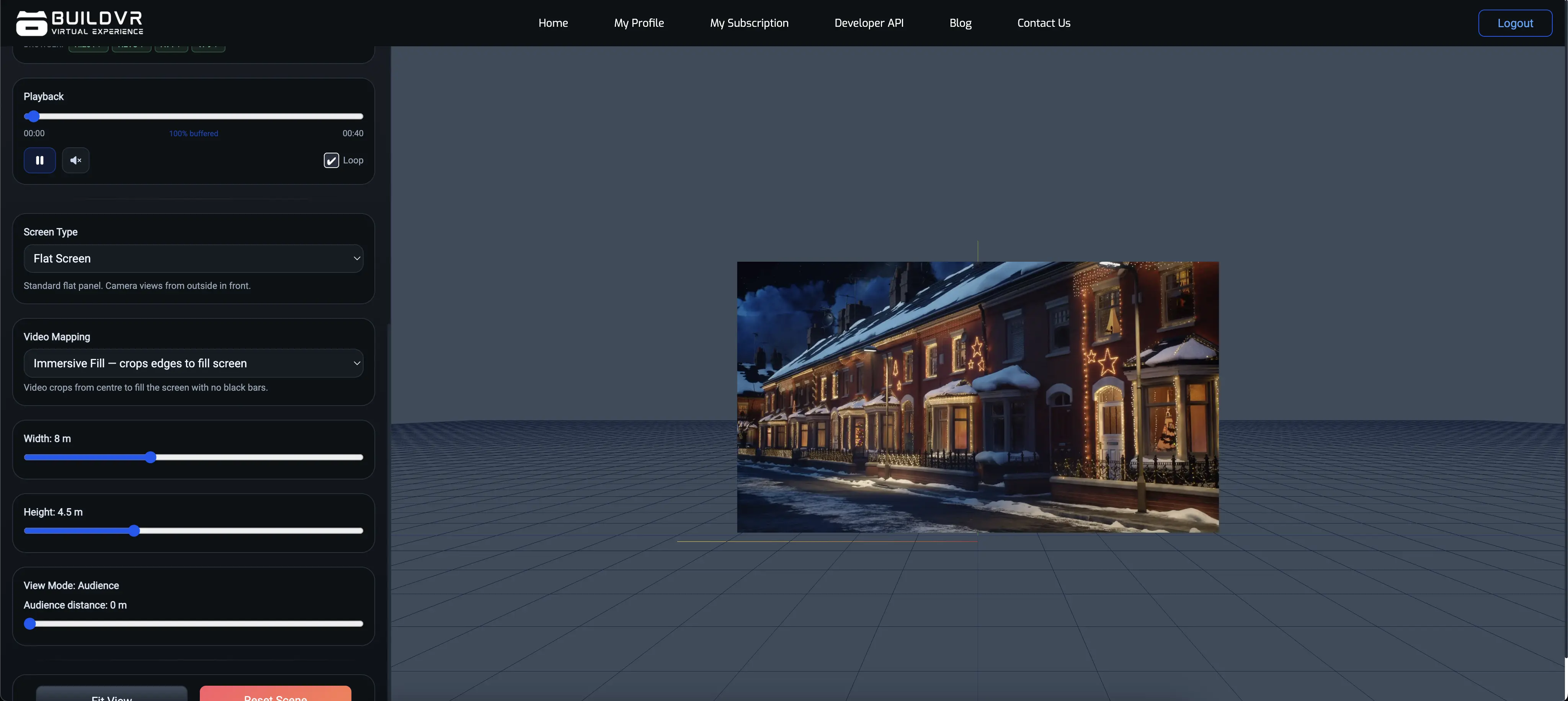
Flat
Standard flat-screen preview for traditional video playback.
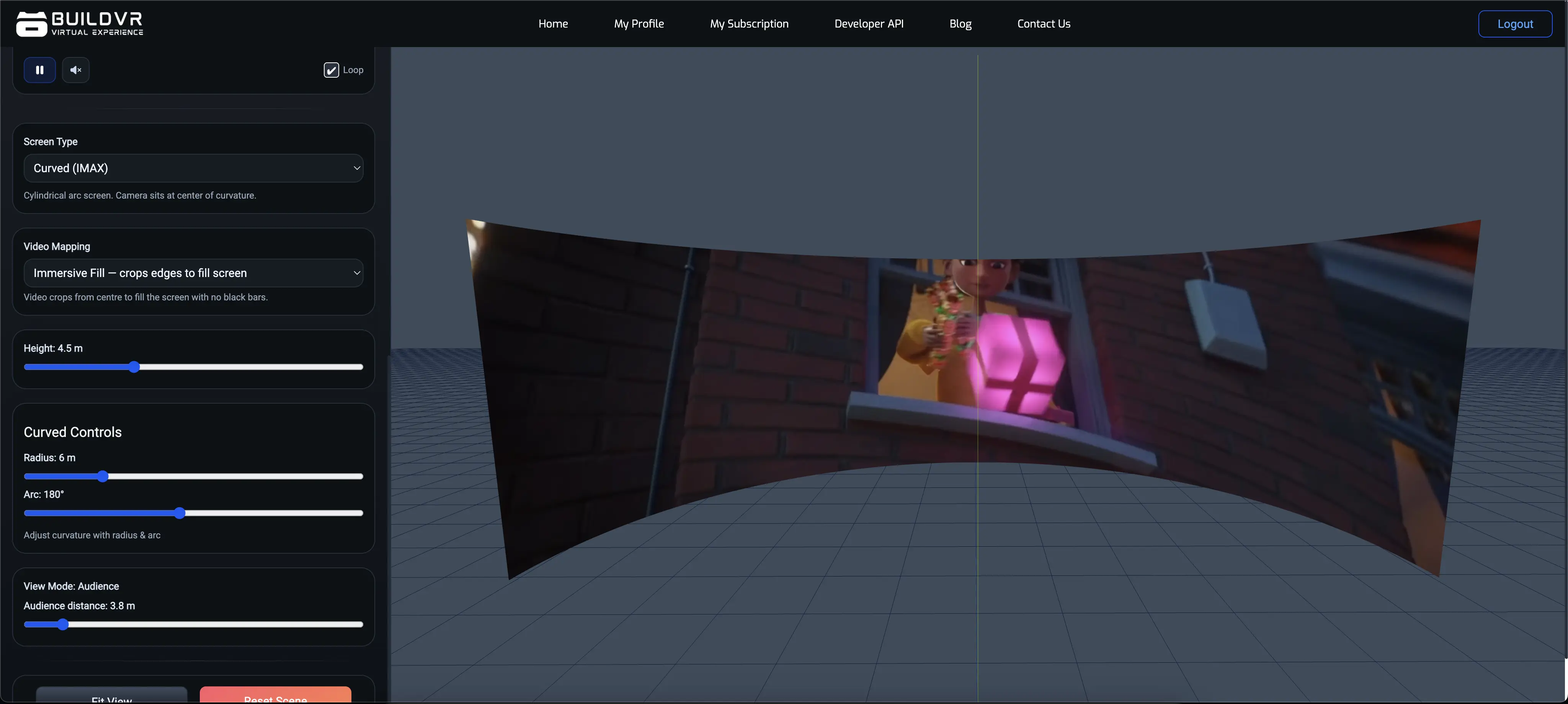
Curved
Wide-angle curved-screen preview with adjustable arc and radius.
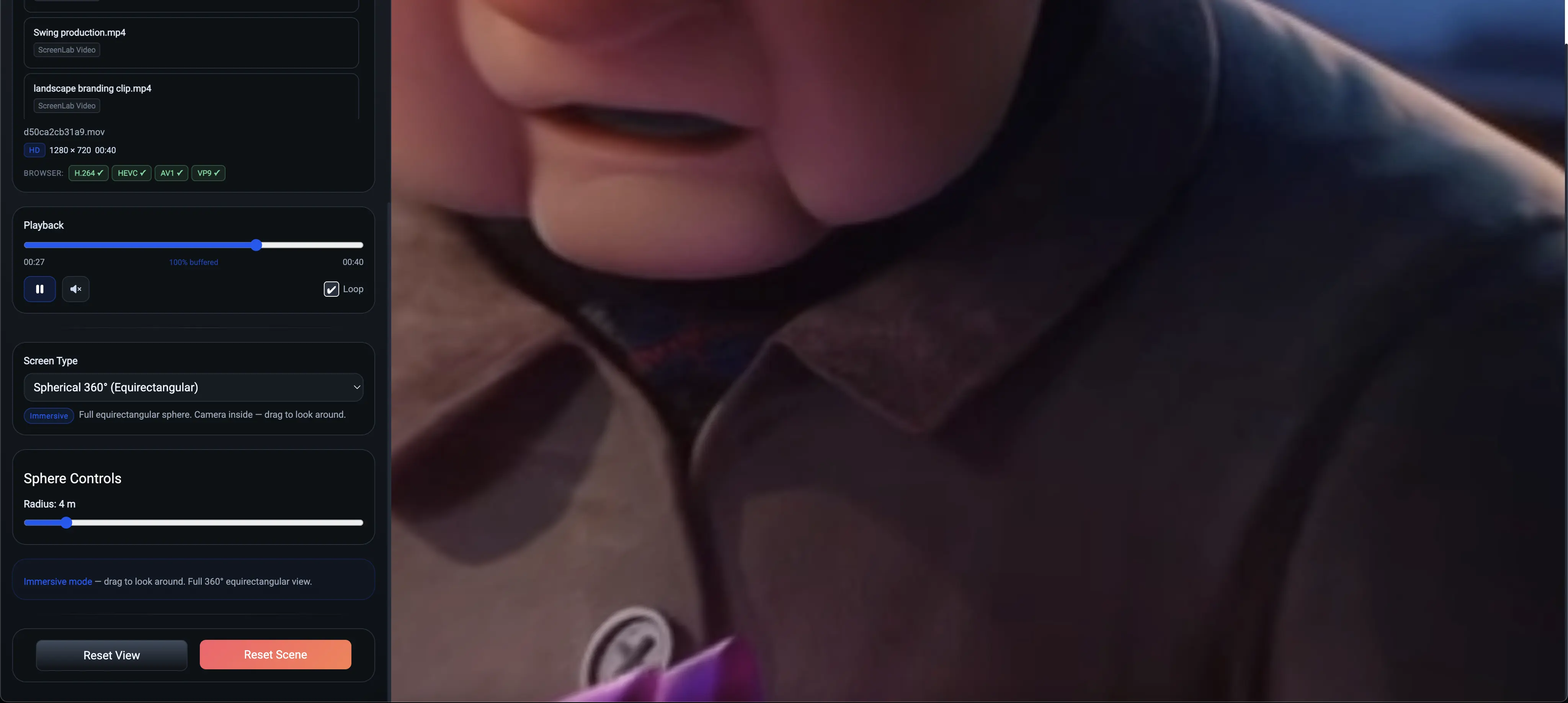
Dome
Full spherical dome projection preview for planetariums and immersive domes.
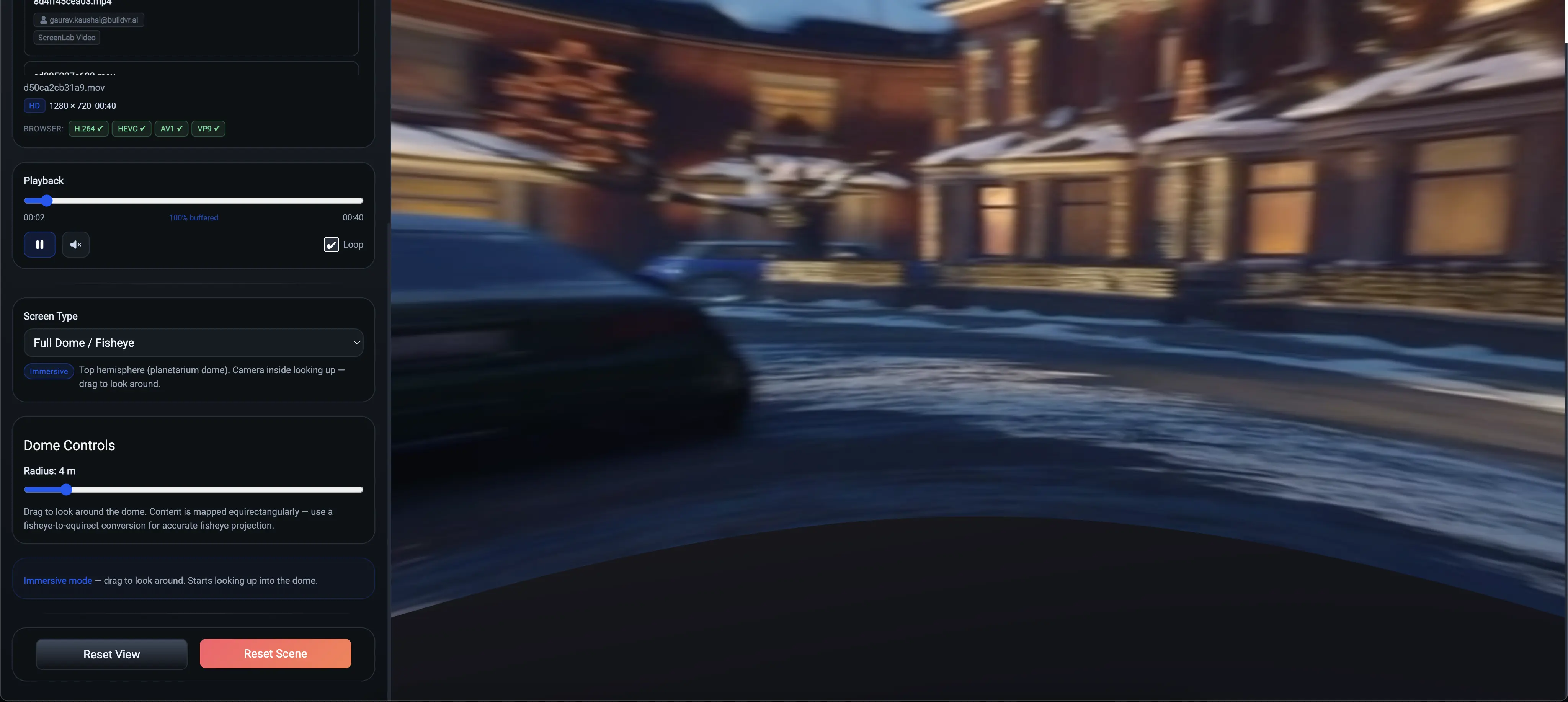
Half-Dome
Half-dome projection preview for tilted-dome and partial-immersion setups.
Who it's for
Built for anyone who previews immersive content
VR & 360° Filmmakers
Check your footage looks right across every viewing environment before you export or publish.
Dome Theaters & Planetariums
Preview how your dome content will look on your actual screen before installation day.
Marketing & Real Estate Teams
Make sure 360° property tours and campaign videos look right before sending them to clients.
Content Creators & Studios
Catch scale, distortion, or framing issues early — before rendering a final export.
Process
How it works
Upload Your Video
Paste a video URL or upload your footage directly into ScreenLab.
Choose a Screen Format
Switch between flat, curved, dome, and half-dome environments instantly.
Fine-Tune & Preview
Adjust height, radius, arc, and audience distance to match your real setup.
Features
What you get
Preview Your Own Video
Upload a video and instantly test how it looks inside ScreenLab.
Flat, Curved, Dome & Half-Dome Screens
Visualize your content across multiple immersive screen formats.
Advanced Screen Controls
Adjust height, radius, arc, dome size, and horizontal/vertical coverage.
Audience View Simulation
Set audience distance and preview the experience from the viewer's position.
Playback & Scene Tools
Play, pause, seek, loop, fit view, and reset your scene while testing.
No Headset Required
Runs directly in your browser, so you can preview immersive formats without VR hardware.
Pricing
Available on paid BuildVR plans
ScreenLab is a premium feature — upgrade your plan to unlock it instantly.
ScreenLab Access
See Plans & Pricing
- Preview your own videos in ScreenLab
- All 4 screen formats — flat, curved, dome, half-dome
- Advanced screen & audience-view controls
Need SDK / API Access?
For Developers
- Embed the ScreenLab panel in your own app
- Publishable, domain-locked keys
- Available on enterprise plans
FAQ
Frequently Asked Questions
What is ScreenLab?
ScreenLab is BuildVR's VR video preview tool. Upload a video and instantly test how it looks on flat, curved, dome, and half-dome screens before you publish — from the ScreenLab tool.
Do I need a VR headset to use ScreenLab?
No — ScreenLab runs directly in your browser, so you can preview immersive screen formats without any VR hardware.
Is ScreenLab free to use?
ScreenLab is a paid feature included on select BuildVR plans. View plans to see which one unlocks it.
What screen formats can I preview?
Flat, curved, dome, and half-dome — with adjustable height, radius, arc, and coverage to match your real setup.
Can I preview how my audience will actually see the video?
Yes — ScreenLab includes audience view simulation, letting you set the audience distance and preview from the viewer's position.
I want to embed this preview tool inside my own product — is that possible?
Yes — for embedding ScreenLab inside your own application, see the ScreenLab SDK, available on enterprise plans.
Where do I try it?
Head to ScreenLab directly — if your current plan doesn't include it, you'll see an upgrade prompt with plan options.
Ready to preview your VR video the right way?
See exactly how your content will look before your audience does.