Table of Contents
Recent Stories
View all
Create AI-Powered VR & Planetarium Content for Education, Space, Nature & Imagination | BuildVR
Turn your ideas into immersive VR headset experiences and planetarium videos with BuildVR AI. Create educational journeys, space explorations, realistic landscapes, and imaginative worlds. Contact BuildVR for a custom quotation.
Read Story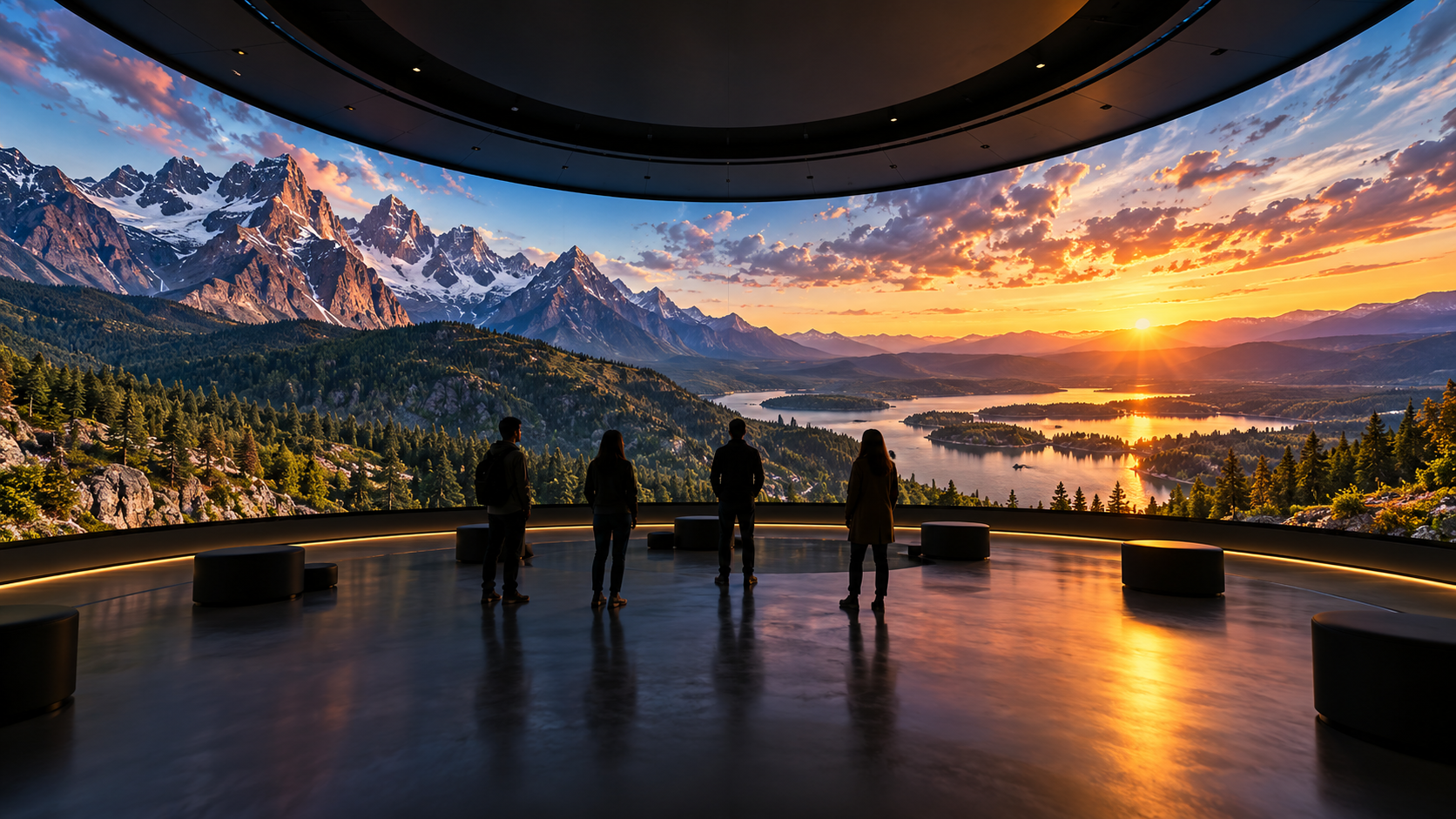
Convert Any Video into High-Resolution Cylindrical & Igloo Projection with BuildVR AI
Transform standard videos into high-resolution cylindrical and Igloo projection content with BuildVR AI. Expand scenes intelligently, support custom resolutions, and create immersive visuals for domes, events, and large-scale projection environments.
Read StoryVR Travel Videos: Explore the World in 360° 🌍🥽

Travel is no longer limited by distance or budget. With VR travel videos, you can explore breathtaking destinations in full 360° immersion — right from your home. In 2025, virtual reality technology has made global exploration more realistic, accessible, and visually stunning than ever before. Unlike traditional travel videos, VR places you inside the environment. You can look around freely — up at the sky, behind you at the ocean, or across panoramic landscapes — just like you would in real life.
🌊 Why VR Travel Feels So Real
VR travel videos use high-resolution 360° cameras and spatial audio to recreate environments authentically. When viewed through a VR headset, they provide:
- Full panoramic immersion
- Realistic environmental depth
- Natural ambient sound
- Interactive head-tracked viewing
This combination tricks your brain into feeling present in the location.
🇬🇷 Experience Greece in Immersive 360°
One of the most stunning VR travel experiences is exploring the crystal-clear waters and dramatic cliffs of Zakynthos, Greece.
👉 Watch this premium immersive travel experience here:
https://buildvr.gretxp.com/vr-video/VRV-Greece_Zakyntho-OT33138/premium
From turquoise coastlines to scenic landscapes, immersive travel videos like this showcase destinations in extraordinary detail.
For more immersive experiences, explore:
👉 https://buildvr.gretxp.com/watch-vr-videos
And discover all categories here:
👉 https://buildvr.gretxp.com/home
🧳 Types of VR Travel Videos
🏝️ 1. Beach & Island Escapes
Crystal waters, sunsets, and tropical scenery create calming immersive environments.
🏔️ 2. Mountain & Nature Exploration
Cliffside views, hiking trails, and panoramic landscapes feel breathtaking in VR.
🏛️ 3. Cultural & Heritage Tours
Museums, ancient ruins, and historic landmarks come alive in 360° format.
🌆 4. City Walkthroughs
Experience bustling streets, architecture, and skyline views from a first-person perspective.
🥽 How to Watch VR Travel Videos
To enjoy the best experience:
✔ Use a VR headset for full immersion
✔ Enable highest resolution (4K or 8K)
✔ Wear headphones for ambient sound
✔ Watch in a distraction-free setting
You can also explore 360° travel videos on mobile devices without a headset by tilting your phone to change perspective.
🌍 Why VR Travel Is Trending in 2025
With rising interest in remote experiences and digital tourism, VR travel has become one of the fastest-growing VR categories. High-resolution production, better video stitching, and faster streaming infrastructure have significantly improved visual quality and playback smoothness.
Production houses now focus on:
- Multi-lens 360° rigs
- Advanced stitching software
- Color grading for immersive depth
- Spatial audio engineering
These technical improvements make VR travel feel authentic and emotionally engaging.
✈️ Final Thoughts
VR travel videos allow you to explore the world in ways traditional video cannot. From Greece’s turquoise coastlines to mountain peaks and urban skylines, immersive 360° travel experiences redefine global exploration.
If you’re ready to see the world from a new perspective, immersive VR travel awaits.
🔎 FAQs (Video Processing + Production House Needs)
1. What are VR travel videos?
VR travel videos are immersive 360° recordings of destinations viewed using VR headsets or mobile devices.
2. What resolution is best for VR travel content?
4K minimum; 8K provides sharper visuals in headsets.
3. How are 360° travel videos filmed?
Using multi-camera panoramic rigs capturing all angles simultaneously.
4. What is VR stitching?
It merges multiple camera feeds into one seamless spherical video.
5. Why is color grading important in VR travel?
It enhances depth and realism in natural landscapes.
6. What bitrate is recommended for 4K VR?
20–50 Mbps for smooth playback.
7. What formats are used for VR travel videos?
MP4 (H.264/H.265) is widely supported.
8. What role does spatial audio play?
It recreates environmental sound directions for realism.
9. How do production houses manage large VR files?
Through cloud storage and CDN distribution networks.
10. Why is stabilization crucial in travel VR?
It prevents motion sickness and improves immersion.
11. Can VR travel videos be monetized?
Yes, through premium access or subscription platforms.
12. What cameras are used in VR travel production?
Professional 360° camera systems with multiple lenses.
13. Why is 8K becoming popular in VR?
Higher resolution improves clarity inside headsets.
14. How does adaptive streaming help VR?
It adjusts quality based on internet speed.
15. What editing software is used for VR?
Adobe Premiere Pro and specialized VR tools.
16. What are the top needs of VR production houses?
High-resolution cameras, GPU rendering power, scalable hosting, CDN bandwidth, and secure distribution.
17. Why is low latency important?
It ensures smooth head tracking response.
18. What is immersive rendering?
Optimizing video for headset playback performance.
19. How important is compression in VR?
It balances quality with streaming efficiency.
20. Can VR travel support educational use?
Yes, for geography, history, and cultural studies.
21. What lighting considerations are needed?
Natural lighting must be balanced for spherical capture.
22. How long should VR travel videos be?
5–15 minutes is optimal for immersion without fatigue.
23. What internet speed is required?
Minimum 25 Mbps for smooth 4K playback.
24. Are VR travel videos compatible with all headsets?
Most modern VR headsets support 360° playback.
25. Where can users watch curated VR travel experiences?
On platforms optimized for immersive viewing like BuildVR.
Create Immersive Experiences with BuildVR
Convert videos, build VR websites and preview immersive content right in your browser.