Table of Contents
Recent Stories
View all
Create AI-Powered VR & Planetarium Content for Education, Space, Nature & Imagination | BuildVR
Turn your ideas into immersive VR headset experiences and planetarium videos with BuildVR AI. Create educational journeys, space explorations, realistic landscapes, and imaginative worlds. Contact BuildVR for a custom quotation.
Read Story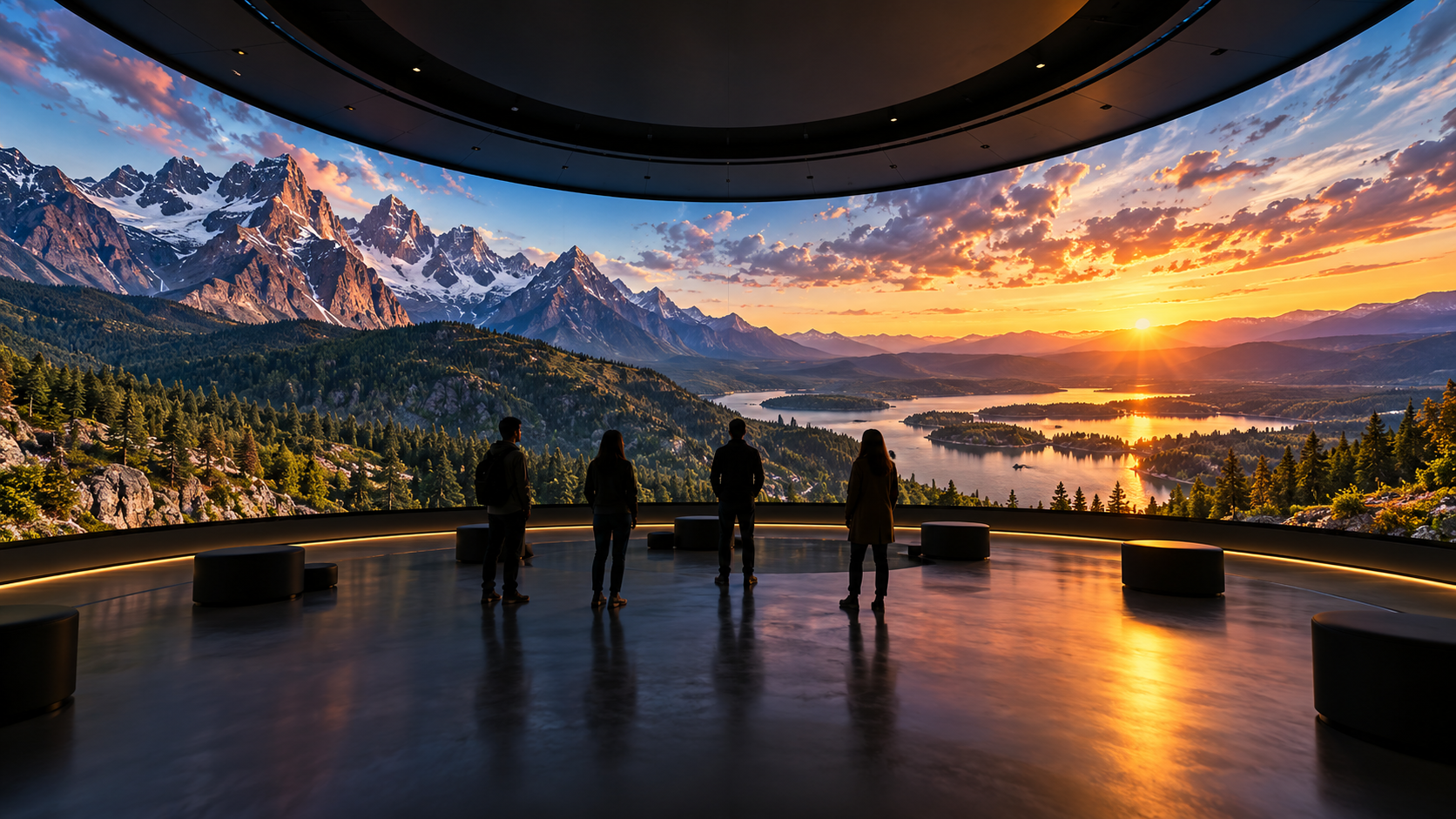
Convert Any Video into High-Resolution Cylindrical & Igloo Projection with BuildVR AI
Transform standard videos into high-resolution cylindrical and Igloo projection content with BuildVR AI. Expand scenes intelligently, support custom resolutions, and create immersive visuals for domes, events, and large-scale projection environments.
Read StoryVideo_to_VR_Converter_Online_PC_Mobile:_Convert_Video_to_VR

Stay updated with the latest in Website technology and web design trends with Gretxp’s blog. Learn marketing strategies, touring tips, and training insights to maximize your digital presence.
The Limits of Converting 2D Video to 360° VR
Converting a flat 2D video into “360° VR” has clear limitations. While the process can enhance immersion, it cannot recreate visual information that was never captured in the first place.
- No true 360° viewpoints
A 2D video records only a single viewing direction. When this frame is wrapped onto a sphere, the same pixels are repeated around the viewer. Turning your head doesn’t reveal new angles—there’s nothing behind the camera because it was never recorded.
- No real 3D depth
Authentic VR depth comes from binocular disparity—two slightly different views for each eye. A 2D video provides only one view. While software can estimate depth using AI-generated depth maps to simulate parallax, this is still an approximation, not real spatial data.
- Head-tracking mismatch
In native VR, head movement naturally reveals new perspectives. With 2D-to-360 conversions, the image often moves with the viewer instead of exposing new detail. This mismatch reduces realism and can feel uncomfortable, especially in fast-moving scenes.
- Detail loss from image stretching
Spreading a 1920×1080 frame across an entire sphere significantly reduces perceived sharpness. Fine details, textures, and text may appear soft or distorted—particularly near the top and bottom (poles) of the sphere.
- Artifacts and edge errors
AI-based depth estimation can introduce visual artifacts such as halos around objects, warped hands, or flickering during motion. Fast action, overlapping objects, and thin structures are especially difficult to reconstruct accurately.
- Metadata and viewer expectations
Proper playback requires correct VR metadata, such as equirectangular projection and stereo flags. Even with accurate metadata, viewers often expect true 360° capture and real depth—something conversion alone cannot fully deliver.

When 2D → 360° Conversion Is Still Useful
Despite its limitations, converting 2D video to 360° VR can still be effective in the right scenarios.
- Virtual theater mode
- Watch standard videos on a large virtual screen inside a VR headset, creating a cinema-like viewing experience without requiring true 360° capture.
- Ambient or slow-moving scenes
- Landscapes, slideshows, background loops, or product visuals with minimal motion work well, as they reduce head-tracking mismatch and visual artifacts.
- Contextual placement
- Ideal for branding intros, presentation backdrops, or supporting environments where full realism isn’t critical but added immersion enhances engagement.
Create Immersive Experiences with BuildVR
Convert videos, build VR websites and preview immersive content right in your browser.