Table of Contents
Recent Stories
View all
Create AI-Powered VR & Planetarium Content for Education, Space, Nature & Imagination | BuildVR
Turn your ideas into immersive VR headset experiences and planetarium videos with BuildVR AI. Create educational journeys, space explorations, realistic landscapes, and imaginative worlds. Contact BuildVR for a custom quotation.
Read Story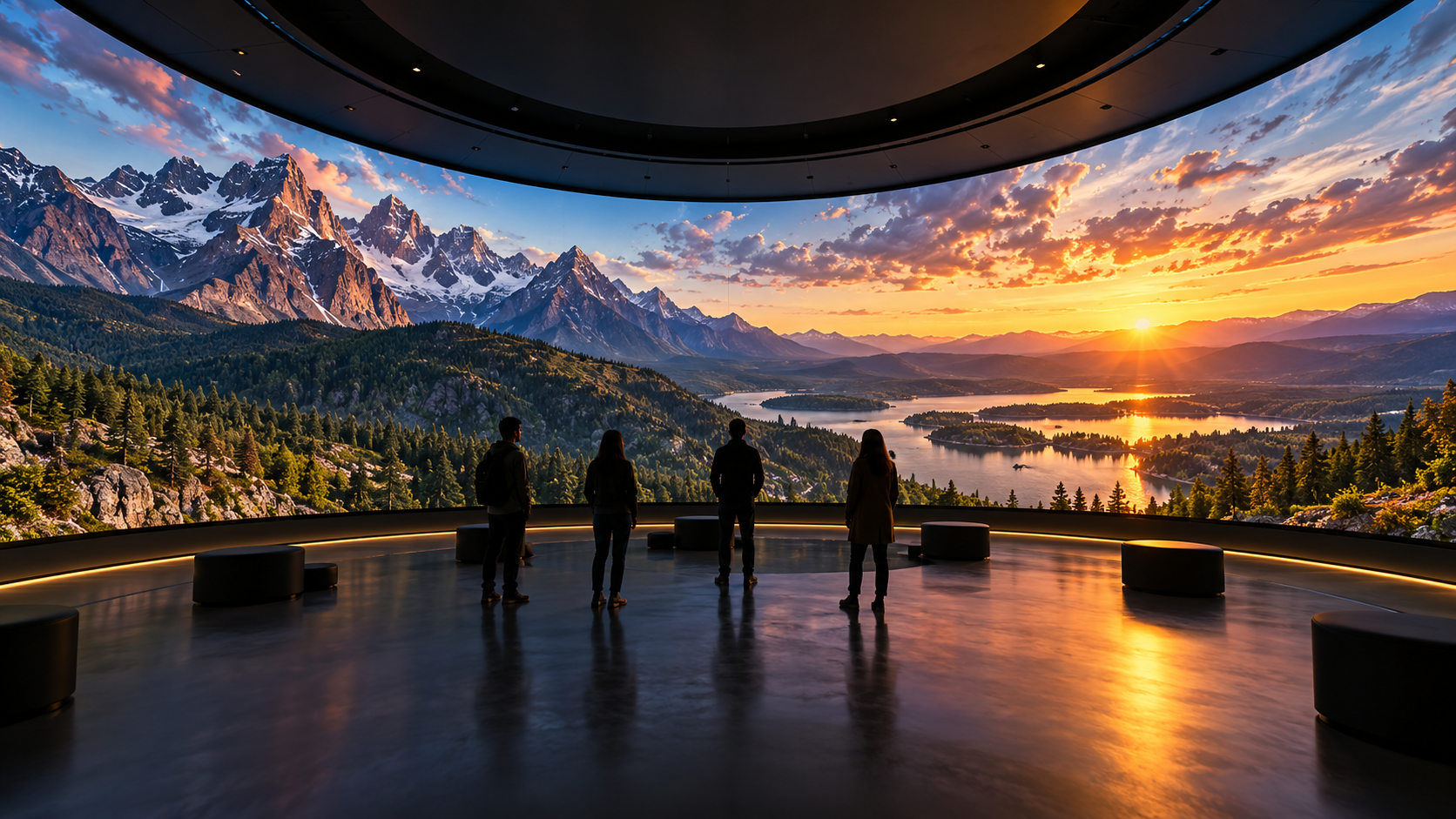
Convert Any Video into High-Resolution Cylindrical & Igloo Projection with BuildVR AI
Transform standard videos into high-resolution cylindrical and Igloo projection content with BuildVR AI. Expand scenes intelligently, support custom resolutions, and create immersive visuals for domes, events, and large-scale projection environments.
Read StoryBuildVR Is Now Live on the Adobe Exchange Marketplace — Upload Straight from Premiere Pro

BuildVR's Premiere Pro plugin is now approved and listed on the Adobe Exchange marketplace. Upload project clips or active sequences straight from Premiere Pro to BuildVR — free to install, with full feature access for Premium and Enterprise plan users.
BuildVR Is Now Available on the Adobe Exchange Marketplace
We're excited to share a big milestone for BuildVR: our Premiere Pro plugin has officially passed Adobe's review process and is now approved for listing on the Adobe Exchange marketplace.
If you're a video editor, VR content creator, or post-production professional working inside Adobe Premiere Pro, you can now find and install BuildVR directly through Adobe's official plugin ecosystem — no separate downloads, no workarounds.
What This Means for Premiere Pro Editors
Being listed on Adobe Exchange means BuildVR has met Adobe's standards for quality, security, and integration within Premiere Pro. It also means discovering and installing BuildVR is now easier than ever — search for it right inside the marketplace Adobe Creative Cloud users already trust.
With the BuildVR panel installed in Premiere Pro, you can:
- Upload directly from your timeline. Send a project clip or your active sequence to BuildVR without leaving Premiere Pro.
- Control export quality on your terms. Choose resolution, bitrate, and optimization settings before you upload.
- Manage versions with confidence. Keep track of upload versions as your edit evolves.
- Skip the manual export-then-upload workflow. BuildVR handles the export and upload pipeline for you, right from the panel.
Free to Install, Full Features for Premium and Enterprise Plans
BuildVR for Premiere Pro is free to install — anyone can add the plugin to their Premiere Pro workspace at no cost. Once installed, all Premium and Enterprise plan BuildVR users get full access to every feature the plugin offers, directly inside Premiere Pro.
Whether you're an independent editor exploring VR workflows or part of a larger production team on an Enterprise plan, BuildVR now fits directly into the tool you're already using every day.
Getting Started
- Open the Adobe Exchange marketplace (or Adobe's Developer Distribution portal, depending on how you access plugins today).
- Search for BuildVR and install the plugin.
- Launch Premiere Pro and open the BuildVR panel from Window > UXP Plugins.
- Sign in with your BuildVR account.
- Select a project clip or your active sequence, choose your upload settings, and send it straight to BuildVR.
Join Us on the Creative Cloud Ecosystem
This listing is a big step for BuildVR as we continue building tools that make VR and immersive video production faster and more accessible for Premiere Pro users everywhere. We're proud to now be part of the official Adobe Creative Cloud Exchange ecosystem.
Have questions about installing or using the BuildVR plugin? Reach out to our team — we're here to help you get the most out of your Premiere Pro to BuildVR workflow.
Ready to try it? Find BuildVR on the Adobe Exchange marketplace today and start uploading directly from Premiere Pro.
Create Immersive Experiences with BuildVR
Convert videos, build VR websites and preview immersive content right in your browser.