Table of Contents
Recent Stories
View all
Create AI-Powered VR & Planetarium Content for Education, Space, Nature & Imagination | BuildVR
Turn your ideas into immersive VR headset experiences and planetarium videos with BuildVR AI. Create educational journeys, space explorations, realistic landscapes, and imaginative worlds. Contact BuildVR for a custom quotation.
Read Story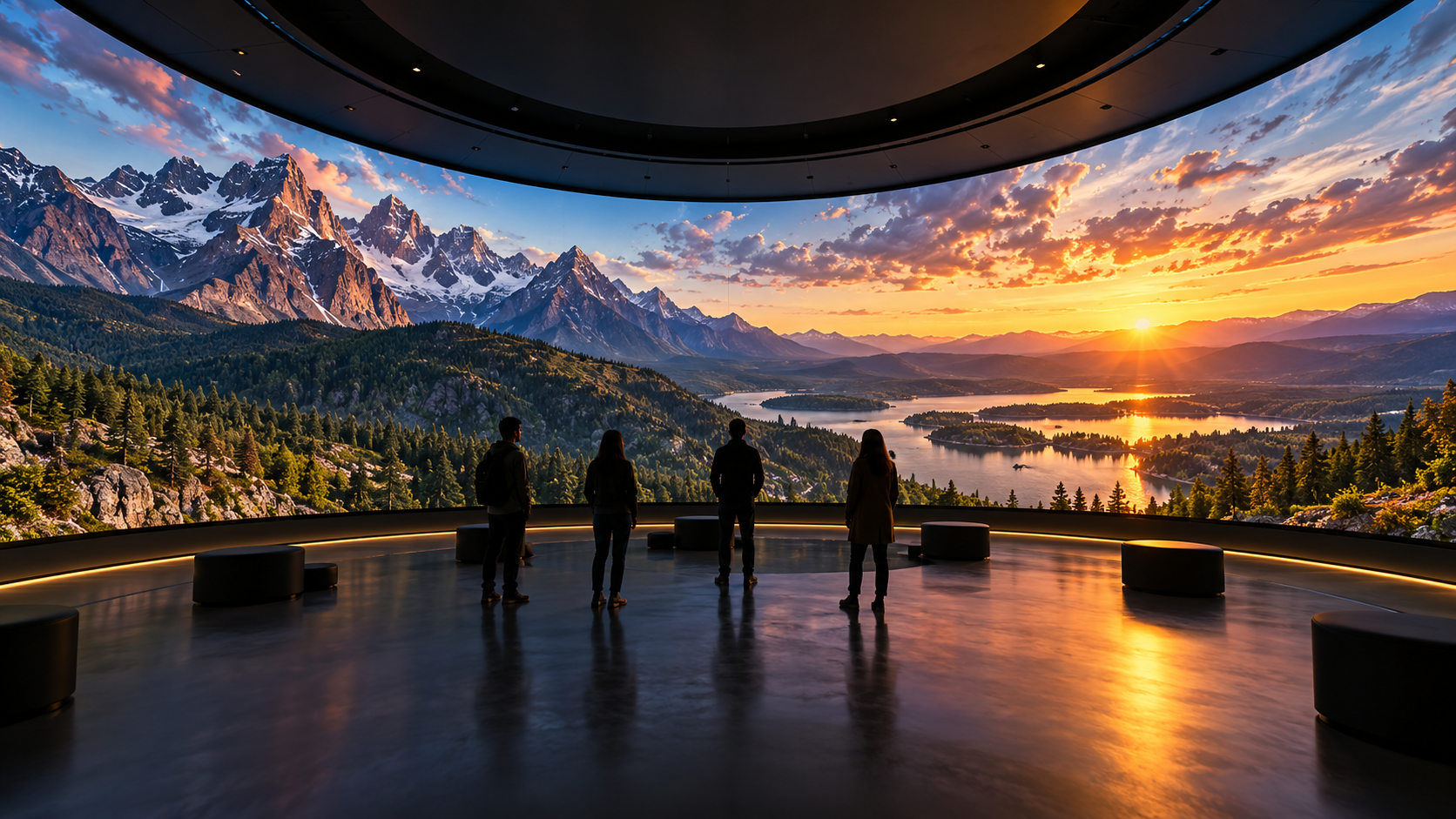
Convert Any Video into High-Resolution Cylindrical & Igloo Projection with BuildVR AI
Transform standard videos into high-resolution cylindrical and Igloo projection content with BuildVR AI. Expand scenes intelligently, support custom resolutions, and create immersive visuals for domes, events, and large-scale projection environments.
Read StoryConvert 2D Video to 3D VR: What's the Difference?

Confused about 2D-to-VR vs 2D-to-3D conversion? Here's a plain-language breakdown of what each does and which one you need.
2D to VR vs. 2D to 3D — What's the Real Difference?
These terms get used almost interchangeably online, which makes it genuinely confusing to figure out what you actually need. Here's a plain breakdown.
What "2D to 3D" conversion means
2D-to-3D conversion takes a flat video and generates a stereoscopic version of it — essentially creating two slightly offset images (one for each eye) so the footage has a sense of depth when viewed with 3D glasses or a compatible display. This is the same underlying idea behind 3D movies in theaters.
The result: depth perception, but the video is still viewed within a fixed frame. You're not surrounded by the scene — you're looking at a 3D-enhanced version of a flat video.
What "2D to VR" conversion means
2D-to-VR conversion goes further. It takes the same idea — estimating depth from a flat video — but reconstructs the footage as a spatial, immersive experience viewable through a VR headset or WebXR browser. Instead of a framed 3D image, you get a scene you're inside of, with the sense that the environment extends beyond what's directly in front of you.
In short: 2D-to-3D adds depth within a frame. 2D-to-VR adds depth and immersion, removing the frame.
Which one do you actually need?
If you want...You need...
A depth effect for a screen, TV, or 3D-glasses viewing
2D to 3D
An immersive, headset-viewable experience
2D to VR
Content for WebXR, VR headsets, or "step inside the video" experiences
2D to VR
A video that plays normally but has enhanced depth
2D to 3D
If your end goal involves a VR headset or an immersive browser experience, 2D-to-VR is what you're looking for — 2D-to-3D alone won't give you that.
Why this distinction matters for creators
Using the wrong term when searching for tools (or when briefing a converter) can lead to the wrong output entirely — a 3D-enhanced flat video when what you actually wanted was an immersive VR file, or vice versa. Knowing the difference upfront saves a re-conversion later.
Both start the same way
Interestingly, both processes begin with the same core step: AI-based depth estimation from the source footage. The difference is what happens with that depth data afterward — whether it's used to build a stereoscopic frame, or a full immersive VR reconstruction.
Try VR conversion
If immersion is the goal, convert your video to VR directly — free to try, with a preview before you commit to the full export.
Create Immersive Experiences with BuildVR
Convert videos, build VR websites and preview immersive content right in your browser.