Table of Contents
Recent Stories
View all
Create AI-Powered VR & Planetarium Content for Education, Space, Nature & Imagination | BuildVR
Turn your ideas into immersive VR headset experiences and planetarium videos with BuildVR AI. Create educational journeys, space explorations, realistic landscapes, and imaginative worlds. Contact BuildVR for a custom quotation.
Read Story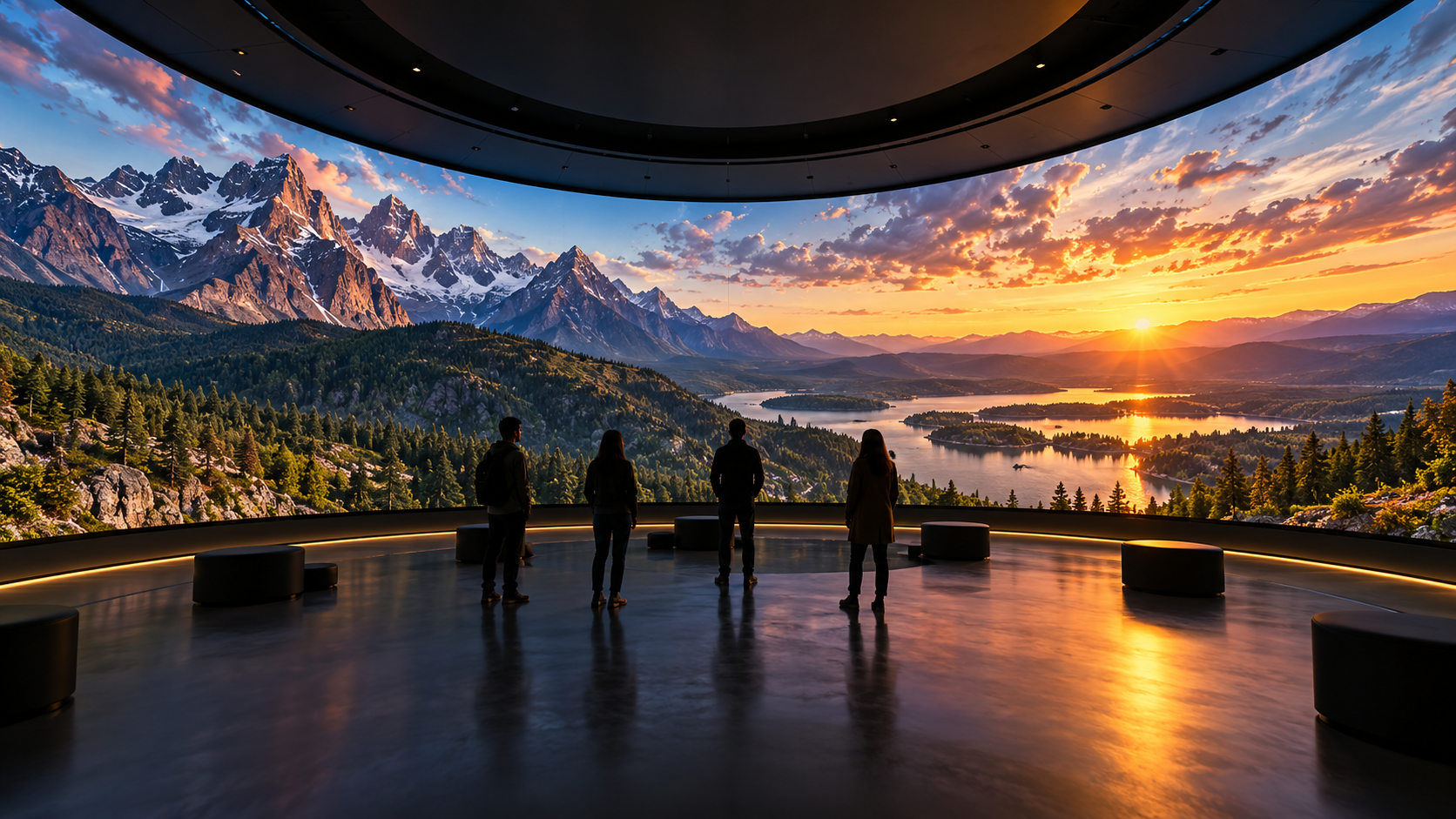
Convert Any Video into High-Resolution Cylindrical & Igloo Projection with BuildVR AI
Transform standard videos into high-resolution cylindrical and Igloo projection content with BuildVR AI. Expand scenes intelligently, support custom resolutions, and create immersive visuals for domes, events, and large-scale projection environments.
Read StoryIMRS 1 vs IMRS 2: What's New in BuildVR's VR Rendering

Comparing IMRS 1 and IMRS 2, BuildVR's Immersive Rendering System. See what's improved in depth accuracy, sharpness, and artifact reduction — and the tradeoffs.
IMRS 1 vs IMRS 2: What's Actually Different in BuildVR's Immersive Rendering System
If you've used BuildVR to convert footage into immersive, stereoscopic VR video, you've relied on our Immersive Rendering System (IMRS) — the engine behind how flat footage becomes convincing, depth-rich VR content. With the rollout of IMRS 2, a lot of creators and studios are asking the same question: what's actually different, and does it matter for my project?
We can't open the hood on the underlying technology — the specifics of how IMRS works are part of what makes BuildVR's output distinct. But we can walk you through what changed from a results perspective: what improved, why it improved, and where the tradeoffs are, so you can decide which version fits your workflow.
What Is IMRS?
IMRS (Immersive Rendering System) is the core rendering pipeline BuildVR uses to transform 2D and standard video into immersive VR-ready output — building spatial depth, stereoscopic separation, and scene geometry so footage feels natural when viewed in a headset. Every BuildVR conversion runs through IMRS; the version of IMRS used directly shapes the quality, realism, and consistency of the final immersive output.
IMRS 1: The Foundation
IMRS 1 was built to solve the core problem of immersive conversion: taking flat source footage and producing stereoscopic VR video that felt spatially coherent rather than "flat with a VR wrapper." It's a solid, production-tested pipeline that has powered a large volume of BuildVR conversions, and it remains a fast, dependable option for projects where turnaround time is the top priority.
IMRS 2: What's Improved
IMRS 2 is a meaningful step up in output quality, focused on three areas creators consistently care about most:
- Better Depth and 3D Accuracy - IMRS 2 produces noticeably more accurate depth separation between foreground and background elements. Objects hold their spatial position more convincingly, edges around people and objects read as more natural in stereo, and scenes with complex layering (multiple subjects at different depths) hold together better than they did under IMRS 1.
- Sharper, Higher Perceived Resolution - Fine detail — texture, text, distant elements — comes through with noticeably less softness. The result is footage that feels closer to native resolution when viewed in-headset, rather than losing detail in the depth conversion process.
- Fewer Visual Artifacts - This is the improvement most visible in side-by-side comparisons. IMRS 2 reduces the kinds of artifacts that break immersion: edge bleeding around object boundaries, ghosting on moving subjects, pole/seam banding in 360° and equirectangular content, and macroblocking in complex or high-motion scenes. Cleaner output means less post-processing and fewer visible flaws pulling viewers out of the experience.
The Tradeoff: Processing Time
IMRS 2 isn't a free upgrade — it takes longer to process than IMRS 1. The additional time goes directly into the improved depth accuracy, sharpness, and artifact reduction described above. For most projects, especially final-delivery content, that tradeoff is worth it. For quick turnarounds, previews, or drafts where perfect fidelity isn't the priority, IMRS 1 is still a legitimate choice.
IMRS 1 vs IMRS 2: Quick Comparison

Which Version Should You Use?
- Choose IMRS 1 if you're iterating quickly, reviewing a rough cut in VR, or working under tight turnaround constraints where "good enough to evaluate" beats "final polish."
- Choose IMRS 2 if you're delivering final content to an audience, especially for headset-viewed VR/360 content where artifacts and softness are immediately noticeable, or for any scene with complex depth layering.
Many BuildVR users run drafts through IMRS 1 for fast iteration, then finish with IMRS 2 for the delivered version — getting speed early in the process and quality where it counts.
About BuildVR
BuildVR builds tools that convert standard video into immersive, VR-ready content — powered by the Immersive Rendering System (IMRS) and backed by an in-house quality control pipeline that checks every conversion for depth consistency, artifact levels, and playback structure before delivery. Whether you're a creator, studio, or platform building an immersive content library, BuildVR is built to make VR-native production accessible without a VR production team.
Learn more at buildvr.ai.
FAQ
What does IMRS stand for?
IMRS stands for Immersive Rendering System — BuildVR's core engine for converting video into stereoscopic, VR-ready content.
Is IMRS 2 backward compatible with IMRS 1 output?
Yes — both versions produce standard VR-ready output; the difference is in the quality of the conversion itself, not the output format.
Does IMRS 2 cost more or take longer than IMRS 1?
IMRS 2 requires more processing time in exchange for improved depth accuracy, sharpness, and fewer visual artifacts.
Can I choose which IMRS version to use for my project?
Yes — BuildVR lets you select the rendering version based on whether you're prioritizing speed (IMRS 1) or final output quality (IMRS 2).
Create Immersive Experiences with BuildVR
Convert videos, build VR websites and preview immersive content right in your browser.