Table of Contents
Recent Stories
View all
Create AI-Powered VR & Planetarium Content for Education, Space, Nature & Imagination | BuildVR
Turn your ideas into immersive VR headset experiences and planetarium videos with BuildVR AI. Create educational journeys, space explorations, realistic landscapes, and imaginative worlds. Contact BuildVR for a custom quotation.
Read Story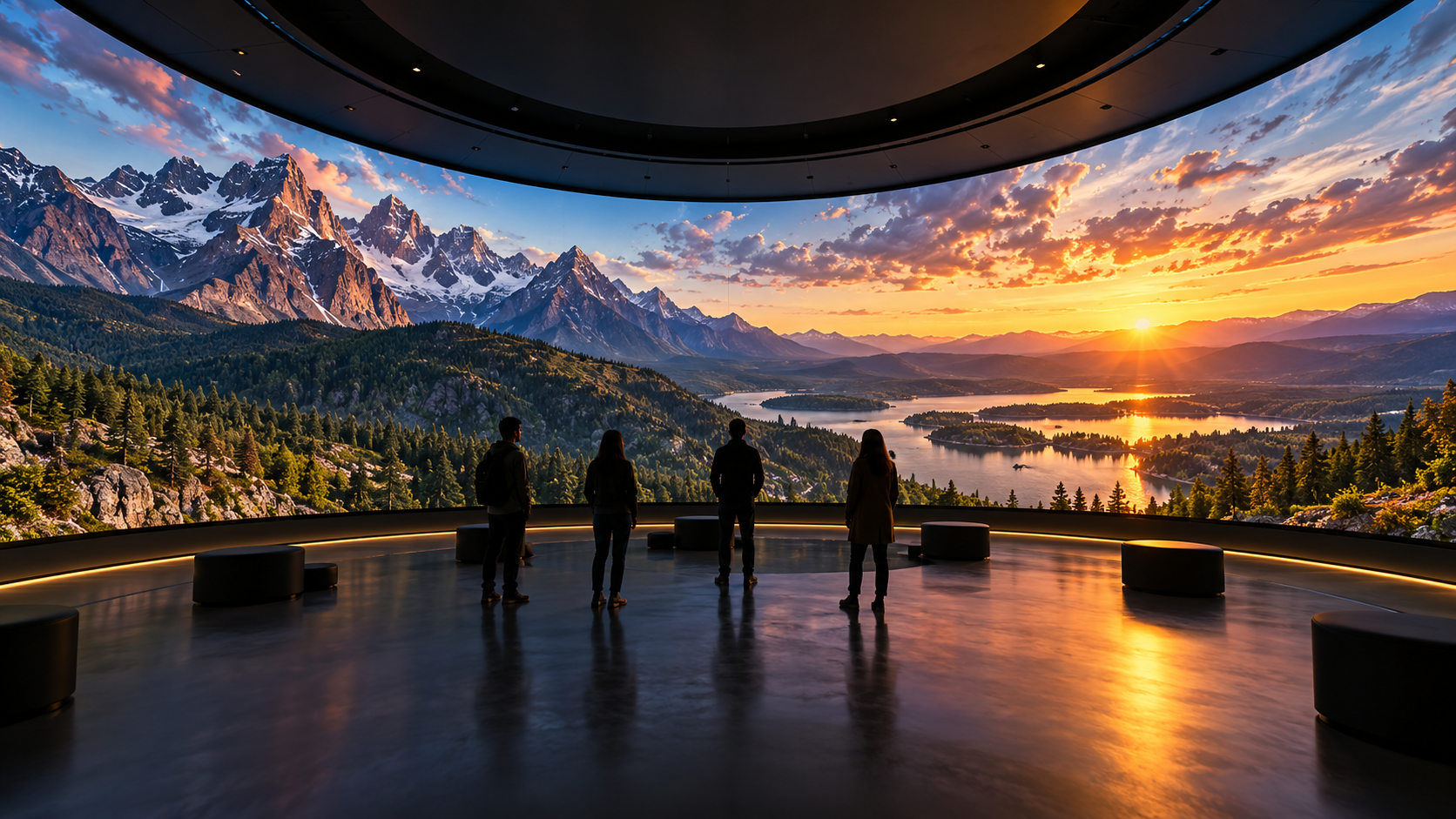
Convert Any Video into High-Resolution Cylindrical & Igloo Projection with BuildVR AI
Transform standard videos into high-resolution cylindrical and Igloo projection content with BuildVR AI. Expand scenes intelligently, support custom resolutions, and create immersive visuals for domes, events, and large-scale projection environments.
Read StoryMP4 to VR Converter — Free Online Guide & Tool

Convert MP4 files into VR-ready 360° video online, free. See supported formats, output quality, and how long it takes.
MP4 to VR Converter: Everything You Need to Know
MP4 is the most common video format in the world — it's what comes off your phone, your camera, and most editing software. The good news: converting an MP4 straight to VR is straightforward, and you don't need to change formats or re-export anything first.
Can you convert any MP4 to VR?
Yes, with a few caveats. MP4 to VR conversion works by analyzing depth in your footage and reconstructing it as an immersive 360° or stereoscopic experience. That process works on virtually any standard MP4 — vlogs, product shots, event footage, travel clips.
Where it works best:
- Footage with clear depth (foreground subject, background environment)
- Resolution of 1080p or higher
- Stable shots — tripod or gimbal footage converts more cleanly than handheld
Where results are weaker:
- Extreme close-ups with no background
- Very low-resolution or heavily compressed files
- Footage with rapid cuts or fast camera motion
Step-by-step: MP4 to VR conversion
- Upload your MP4 file directly — no need to convert to another format first.
- Let the tool process it. An AI depth-mapping model estimates spatial structure frame by frame and builds a VR-ready output.
- Preview the result. Check for smooth depth transitions and no visible warping.
- Export as a VR-ready file, playable via WebXR in a browser or standard headset players.
Most short clips (under 2 minutes) process in just a few minutes.
What output format do you get?
VR-ready output is typically delivered as 360° or stereoscopic 180°/360° video, viewable through WebXR-enabled browsers or headset apps — no proprietary player required.
MP4 to VR vs. MP4 to 360°: what's the difference?
This trips a lot of people up. A straight "360° video" usually means footage captured (or simulated) as a full spherical view with no real depth — you can look around, but everything is flat, like being inside a photo sphere. "VR video" adds actual depth, so near and far objects have real spatial separation, which is what makes it feel truly immersive rather than just wide-angle.
If your goal is maximum immersion — not just a wide field of view — you want true VR conversion, not just a 360° wrap.
Free vs. paid MP4 to VR tools
Free tools are a great way to test the process before committing to a longer project. Look for:
- No forced watermark on output
- Reasonable processing time for your file length
- A preview step before final export, so you're not guessing at quality
Try converting your own MP4
Convert your MP4 to VR for free with BuildVR — upload, preview, and export in a few minutes, no software installation required.
Create Immersive Experiences with BuildVR
Convert videos, build VR websites and preview immersive content right in your browser.