Table of Contents
Recent Stories
View all
Create AI-Powered VR & Planetarium Content for Education, Space, Nature & Imagination | BuildVR
Turn your ideas into immersive VR headset experiences and planetarium videos with BuildVR AI. Create educational journeys, space explorations, realistic landscapes, and imaginative worlds. Contact BuildVR for a custom quotation.
Read Story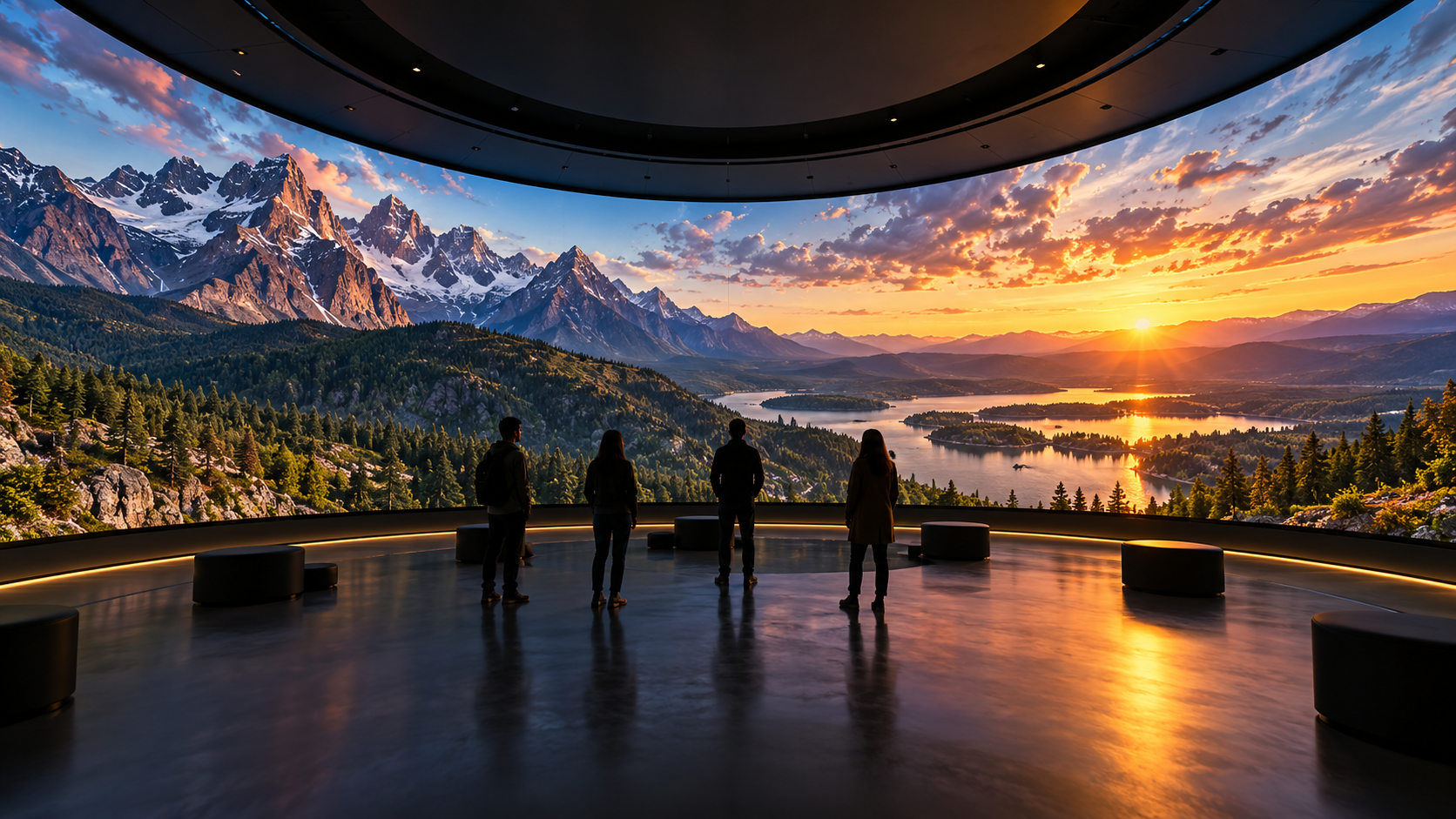
Convert Any Video into High-Resolution Cylindrical & Igloo Projection with BuildVR AI
Transform standard videos into high-resolution cylindrical and Igloo projection content with BuildVR AI. Expand scenes intelligently, support custom resolutions, and create immersive visuals for domes, events, and large-scale projection environments.
Read StoryTurn Any Video Into VR — No 360° Camera Required
You don't need special hardware to create VR video. Here's how AI depth mapping turns a normal video into an immersive experience.
Turn Any Video Into VR — No 360° Camera Required
A common misconception stops a lot of people before they even try: "I'd need a 360° camera to make VR video." You don't. Any regular video — shot on a phone, a DSLR, or even pulled from existing footage — can be converted into an immersive VR experience.
Why you don't need a 360° camera
360° cameras capture a full spherical view in one shot, which is one way to make VR content — but it's not the only way, and it's not necessarily the best way for most creators. The alternative is AI-based depth conversion: software analyzes a normal, flat video and estimates depth information — what's near the camera, what's far away — then reconstructs that as a spatial, immersive scene.
The result isn't a spherical "look-around" video like a 360° camera produces. Instead, it's a depth-enhanced VR experience where the footage you already shot gains a genuine sense of dimension and space when viewed through a headset.
What kind of footage works
Almost anything with visual depth:
- Travel and landscape footage
- Product shots with a subject in front of a background
- Interviews or talking-head video with an environment behind the subject
- Event and performance footage
The clearer the separation between foreground and background, the more convincing the depth conversion.
The process, simplified
- Shoot or select your video normally — no special rig, no stitching multiple camera angles.
- Upload it to a video-to-VR converter. The AI model handles depth estimation automatically.
- Preview the output to check depth quality.
- Export as a VR-ready file, viewable through any WebXR browser or headset.
That's the entire workflow — no multi-camera setup, no manual stitching, no 3D modeling software.
Why this matters for creators
360° cameras are expensive, and shooting with one requires planning your entire shot around a spherical capture. AI depth conversion flips that: you shoot the way you already know how, and the immersion gets added afterward. That means your existing video library — footage you've already shot — is usable for VR content without reshooting anything.
Limitations to know about
AI depth conversion isn't identical to native 360° capture — it won't give you a full look-behind-you spherical view, since the source footage only captured one direction. What it does give you is genuine depth and immersion within that field of view, which is what most viewers actually associate with feeling "inside" a video.
Try it on your own footage
Upload a clip to BuildVR and see it converted to VR in minutes — no special camera, no reshoot required.
Create Immersive Experiences with BuildVR
Convert videos, build VR websites and preview immersive content right in your browser.