VR Video Downloader: Download VR Videos in 4K, 5.7K & 8K
Buy and download 360° VR videos online, ready for Meta Quest, Vision Pro and Pico.
Pick any free or premium video from the BuildVR library, choose your resolution, and get a headset-ready MP4. No app to install and no screen recording. You see the price before you buy.
How to Download VR Videos
Find a VR video
Browse the featured list below, search by topic, or open any free or premium video in the BuildVR library.
Pick resolution & engine
Click Download and choose 4K, 5.7K or 8K, plus the IMRS engine you want. The price for each option is shown before you pay.
Buy & download
Pay with BuildVR credits. When processing finishes, download the file and copy it to your headset or VR player.
Premium Originals
VIEW ALL PREMIUM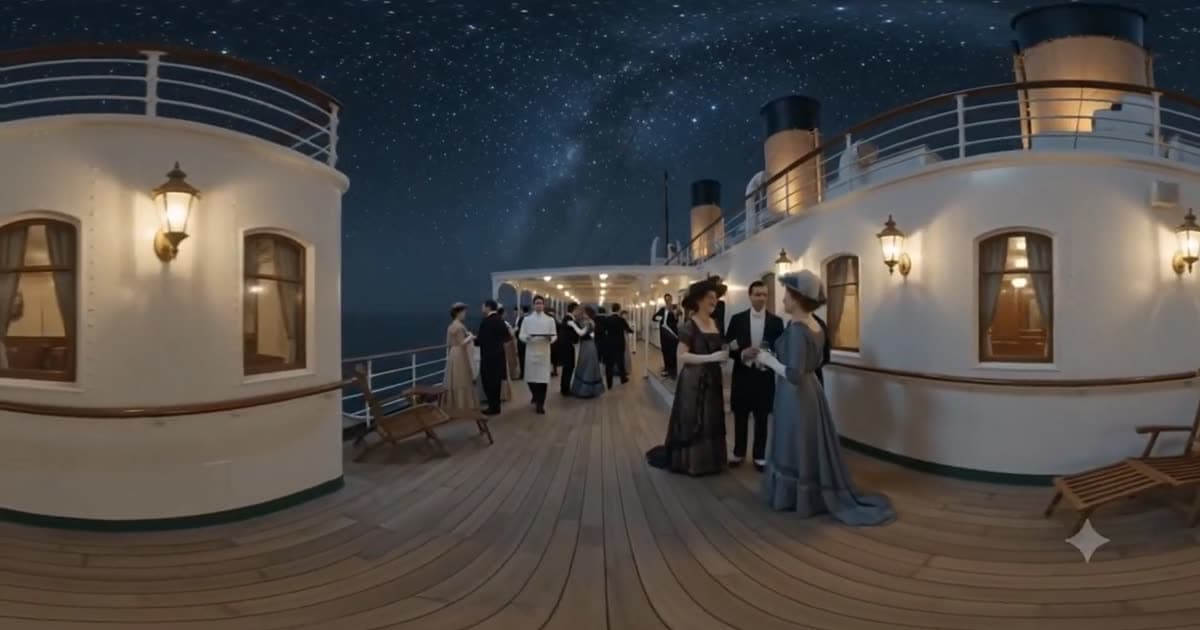
TITANIC
Titanic
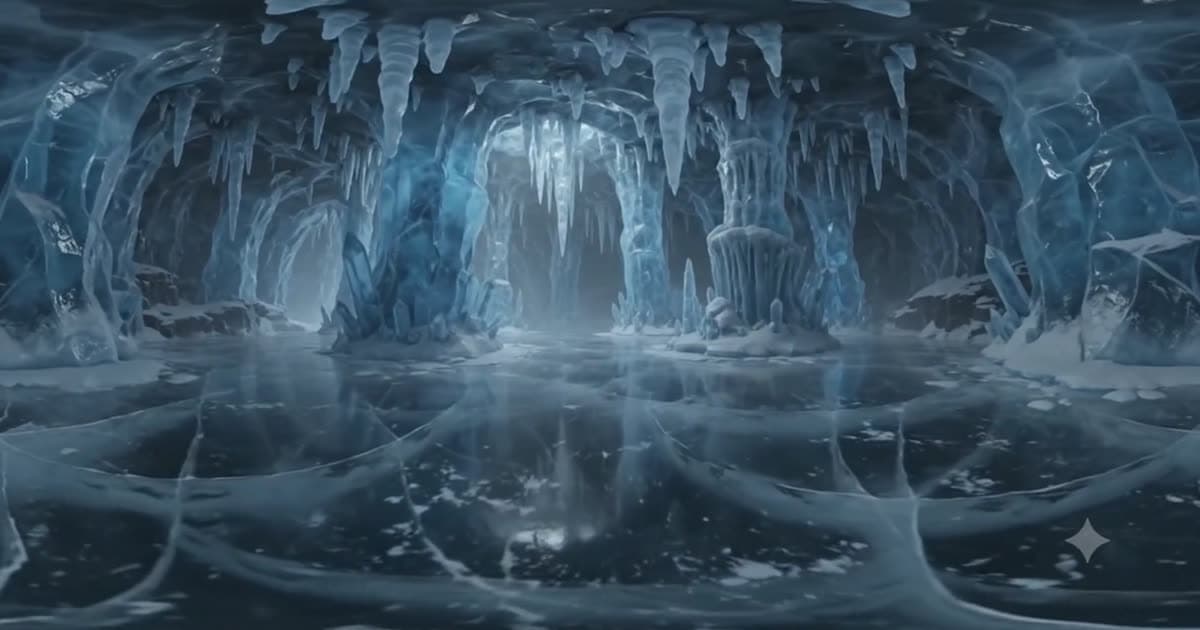
ICE
Ice cave
Featured VR Videos to Download
Click Download on any card to see available resolutions and prices.
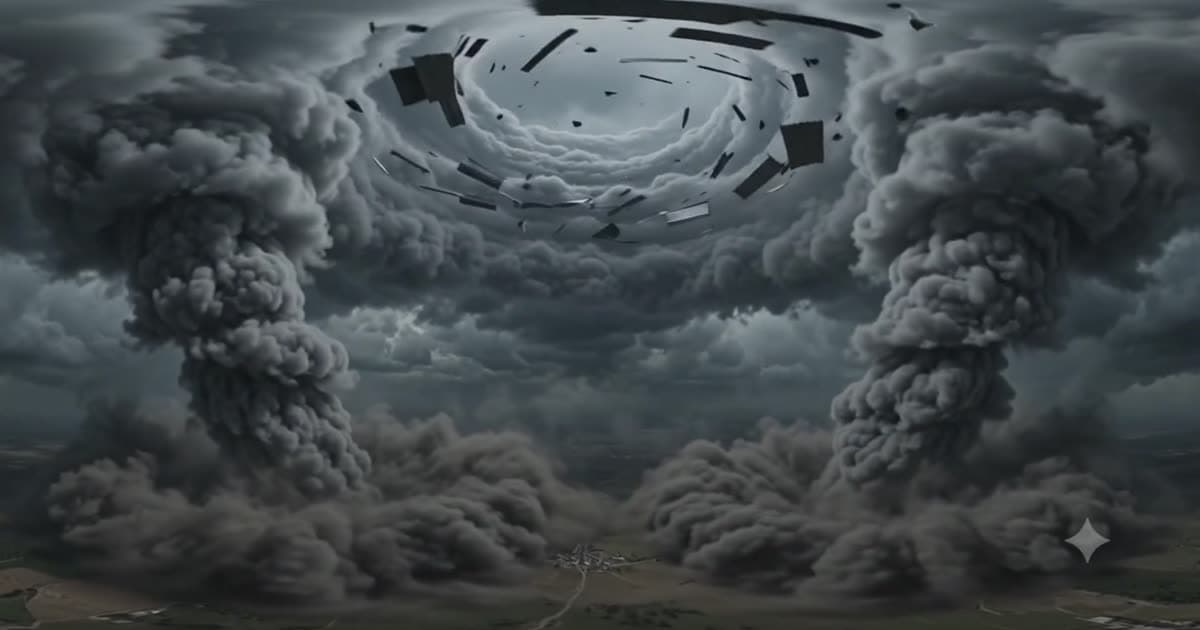
Tornado
The video depicts a dramatic scene of a swirling vortex of dark clouds with debris falling from above, creating an intense and ominous atmosphere. Lightning strikes intermittently, illuminating the turbulent sky and adding to the sense of chaos. The overall mood is foreboding and apocalyptic, with the swirling clouds and falling debris suggesting a powerful natural disaster or supernatural event.
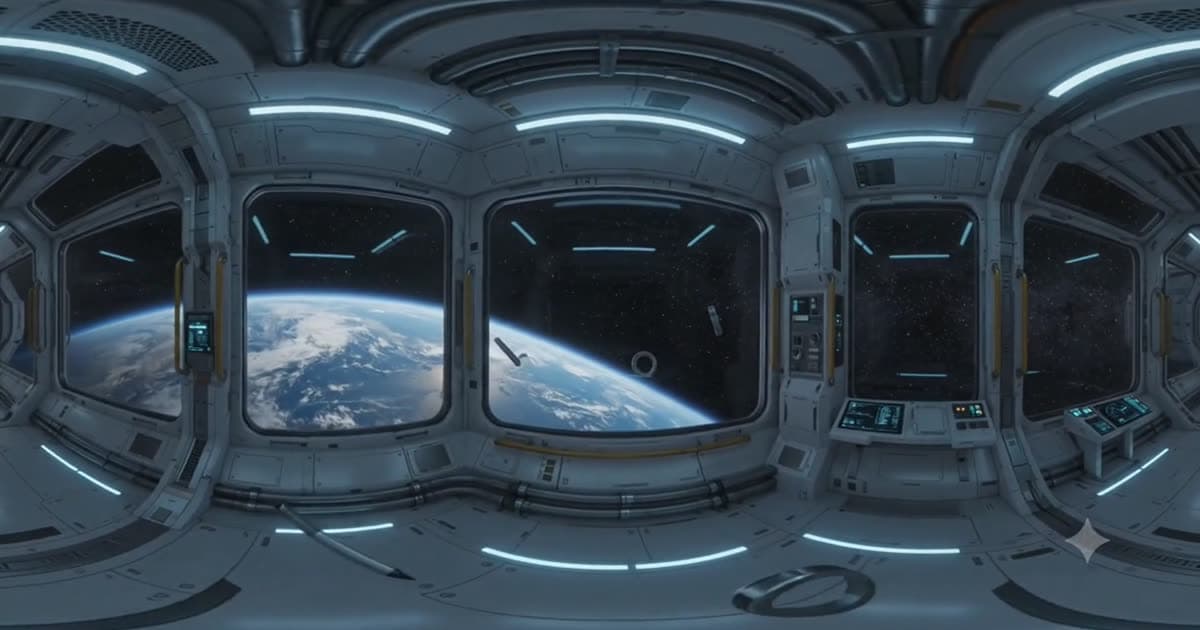
In space
Watch this in, space 360° VR video and explore In space in full immersive view. Try it on mobile or VR headset.
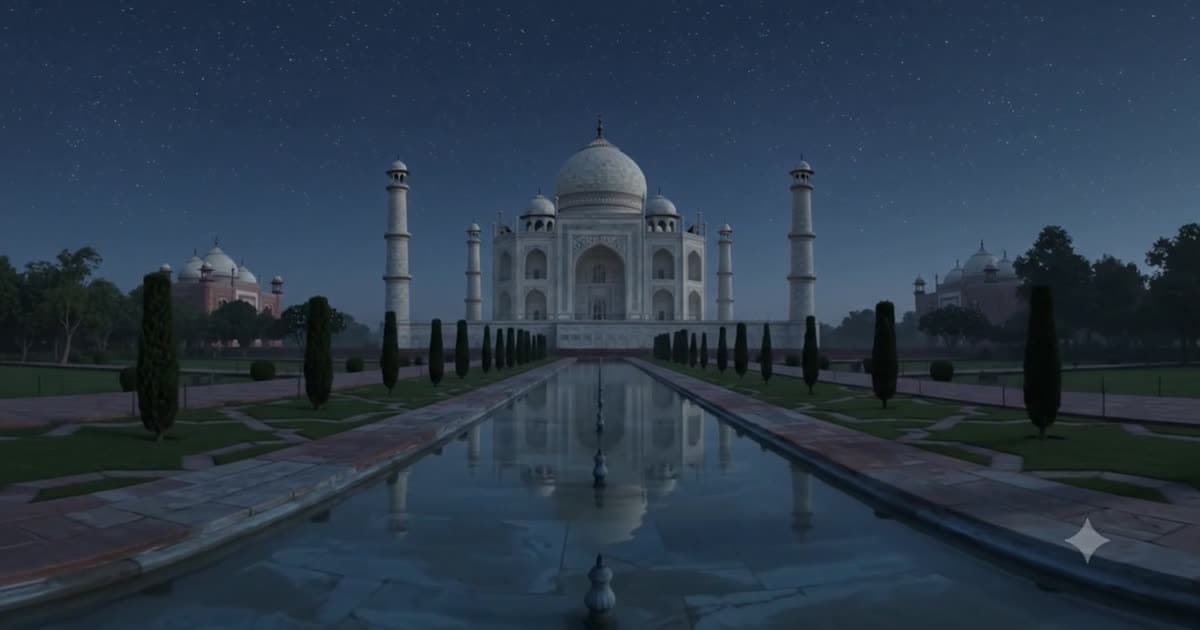
Taj mahal
A serene night scene featuring the Taj Mahal with its iconic white marble structure illuminated against a starry sky. The reflection of the Taj Mahal is mirrored perfectly in the water of the reflecting pool, creating a symmetrical and tranquil atmosphere. Fireflies gently light up the surroundings, adding a magical touch to the scene.
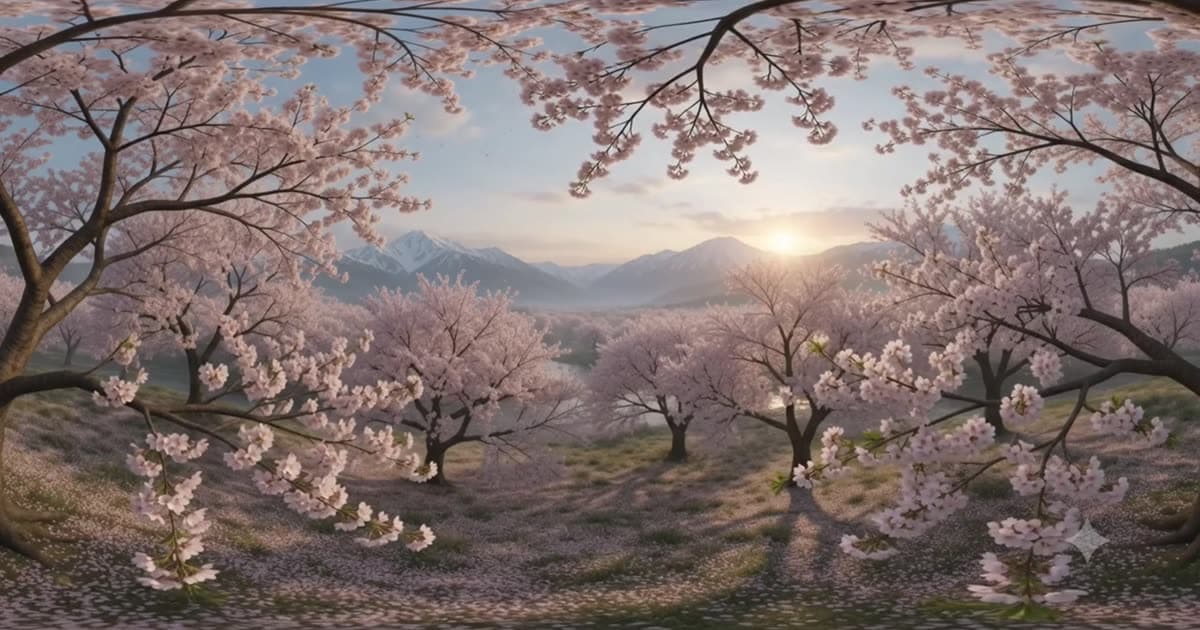
Cherry blossom
Watch this cherry, blossom 360° VR video and explore Cherry blossom in full immersive view. Try it on mobile or VR headset.
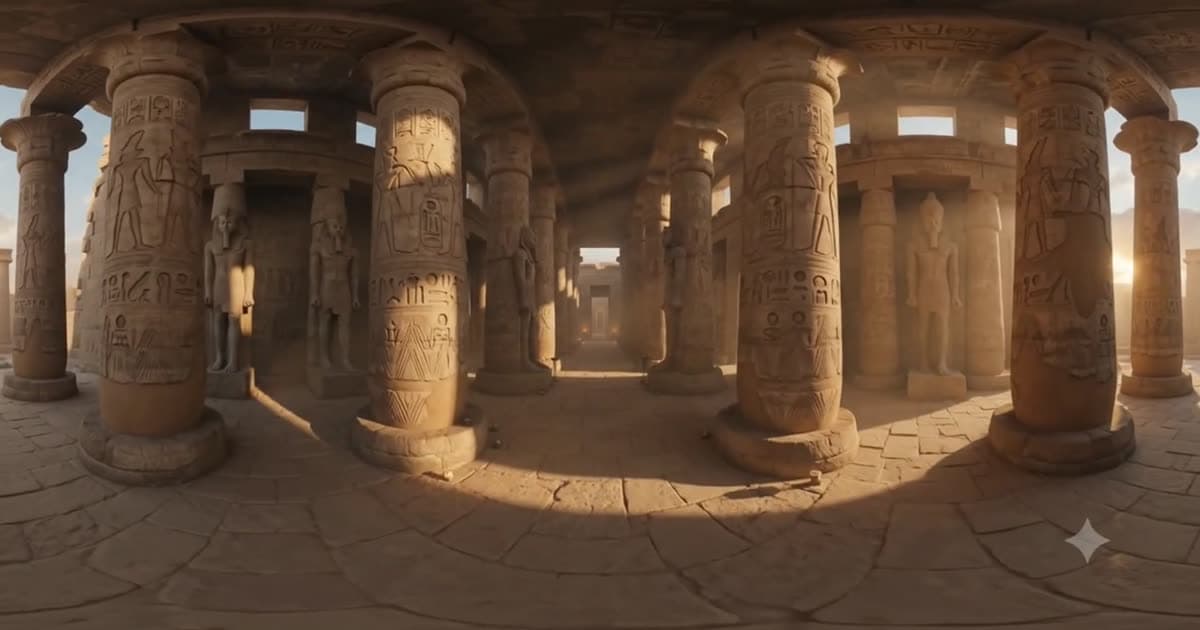
Temple
The video showcases an ancient Egyptian temple with intricately carved columns and statues, illuminated by candles placed around the base of the columns. The scene transitions from daylight to candlelight, creating a serene and mystical atmosphere.
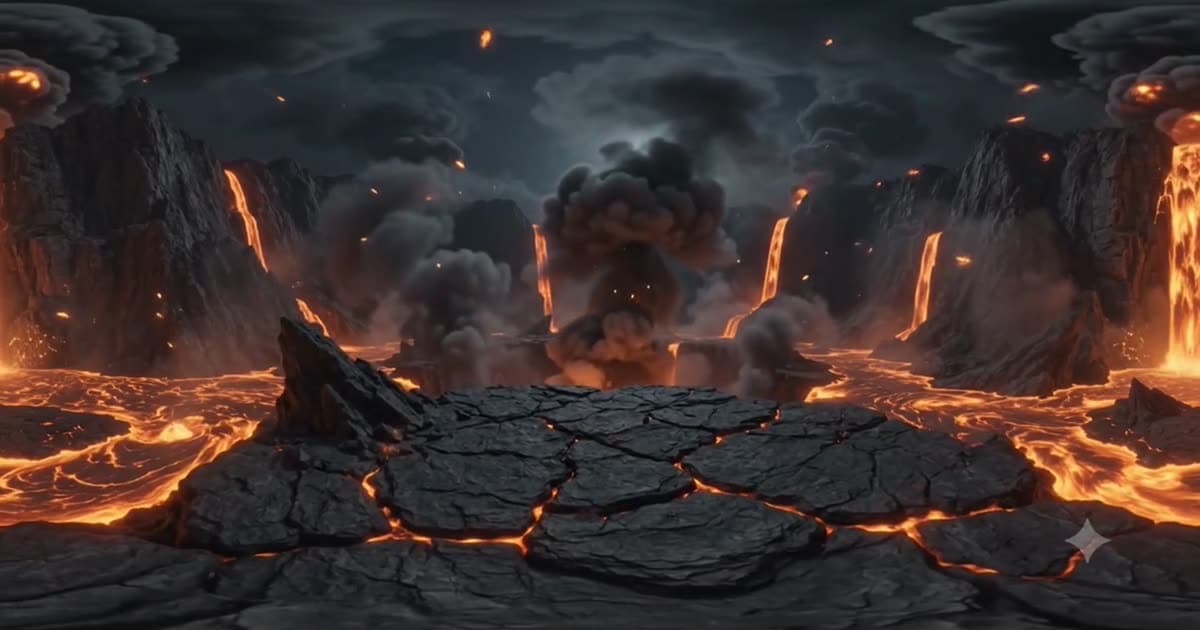
Volcano
Watch this volcano 360° VR video and explore Volcano in full immersive view. Try it on mobile or VR headset.
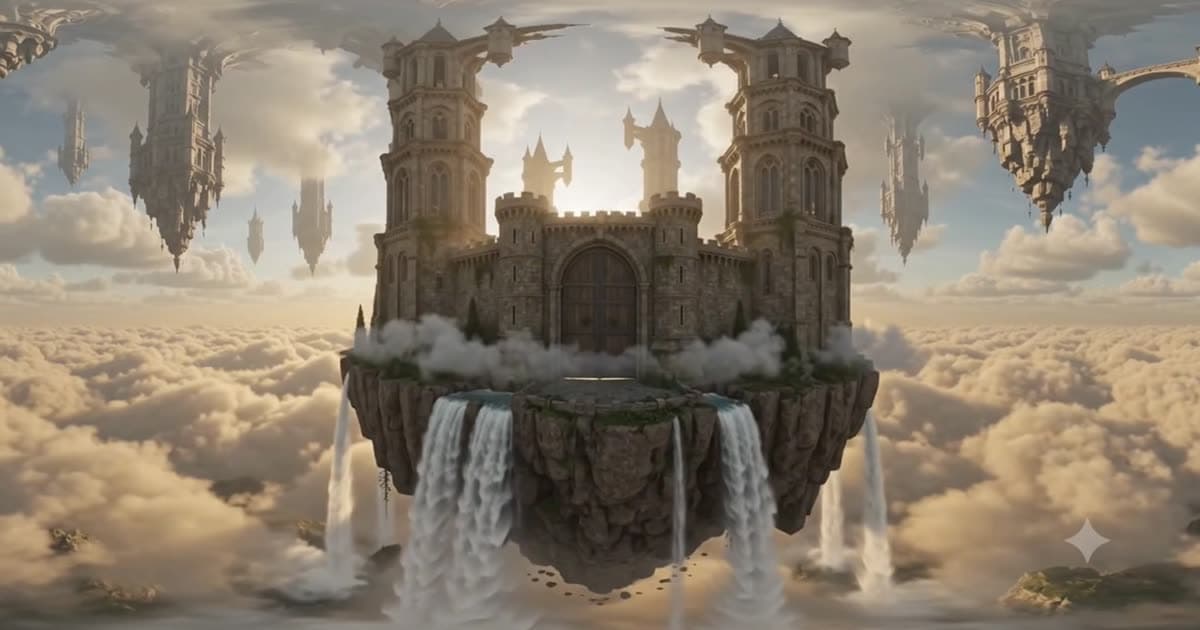
Floating castle
Watch this floating, castle 360° VR video and explore Floating castle in full immersive view. Try it on mobile or VR headset.

Nebula
Watch this nebula 360° VR video and explore Nebula in full immersive view. Try it on mobile or VR headset.
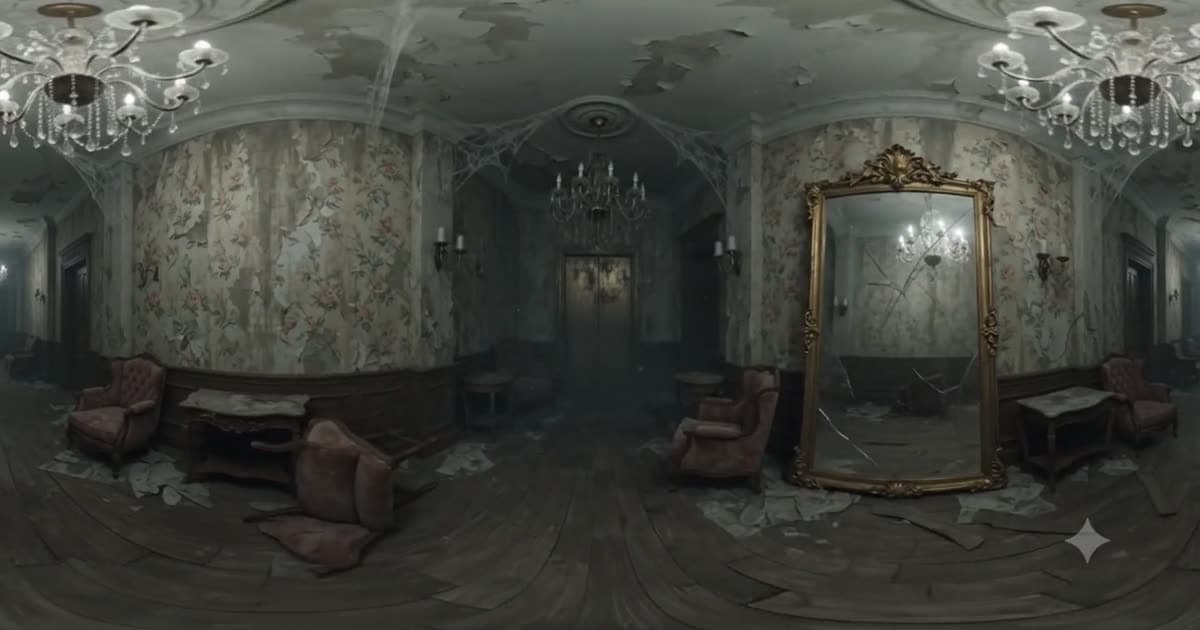
Haunted hotel
Watch this haunted, hotel 360° VR video and explore Haunted hotel in full immersive view. Try it on mobile or VR headset.
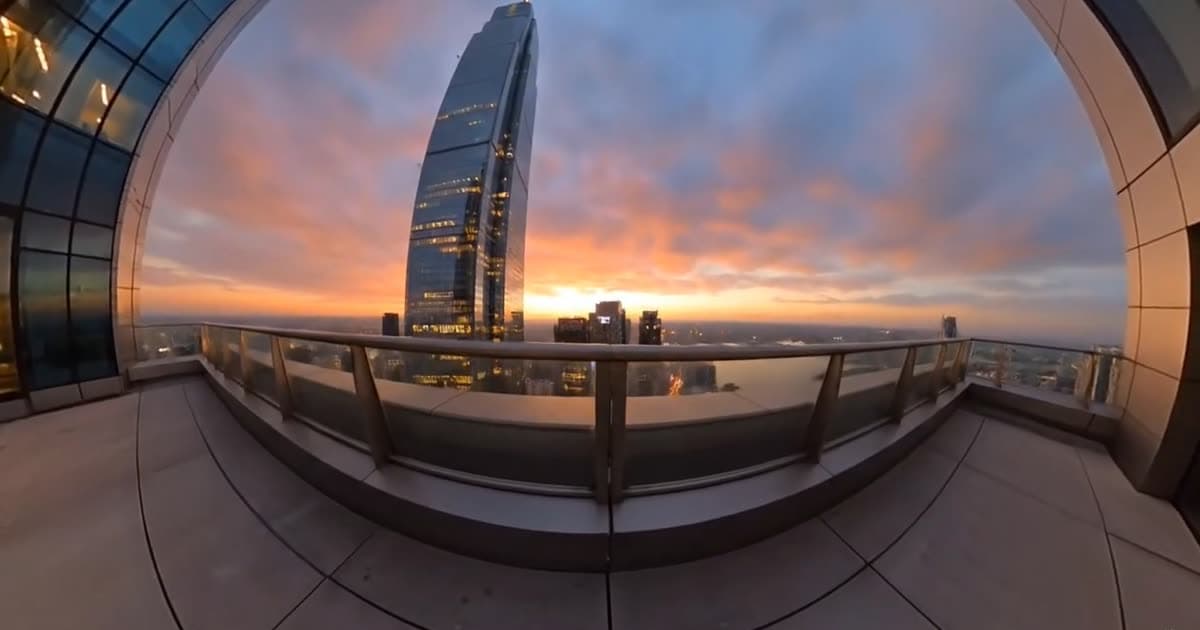
Falling from the building
Watch this falling, from, the, building 360° VR video and explore Falling from the building in full immersive view. Try it on mobile or VR headset.

The School of Athens — Raphael · Vatican Museums, Rome
Watch this the, school, of, athens, raphael, vatican, museums, rome 360° VR video and explore The School of Athens — Raphael · Vatican Museums, Rome in full immersive view. Try it on mobile or VR headset.
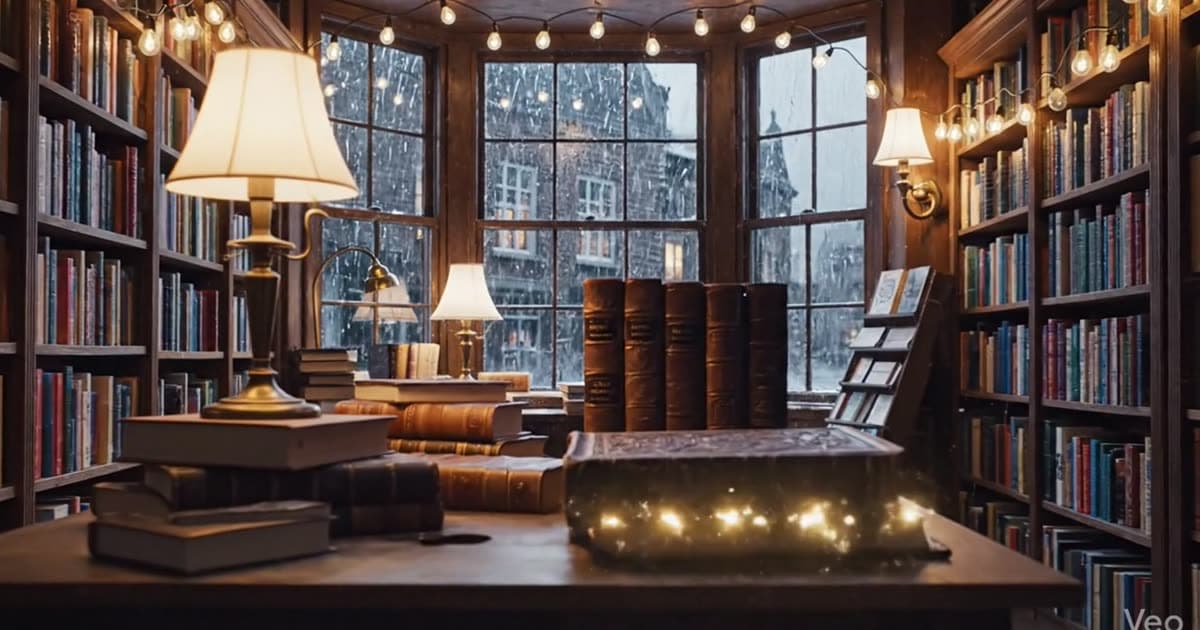
THE BOOKSTORE UNIVERSE
Watch this the, bookstore, universe 360° VR video and explore THE BOOKSTORE UNIVERSE in full immersive view. Try it on mobile or VR headset.
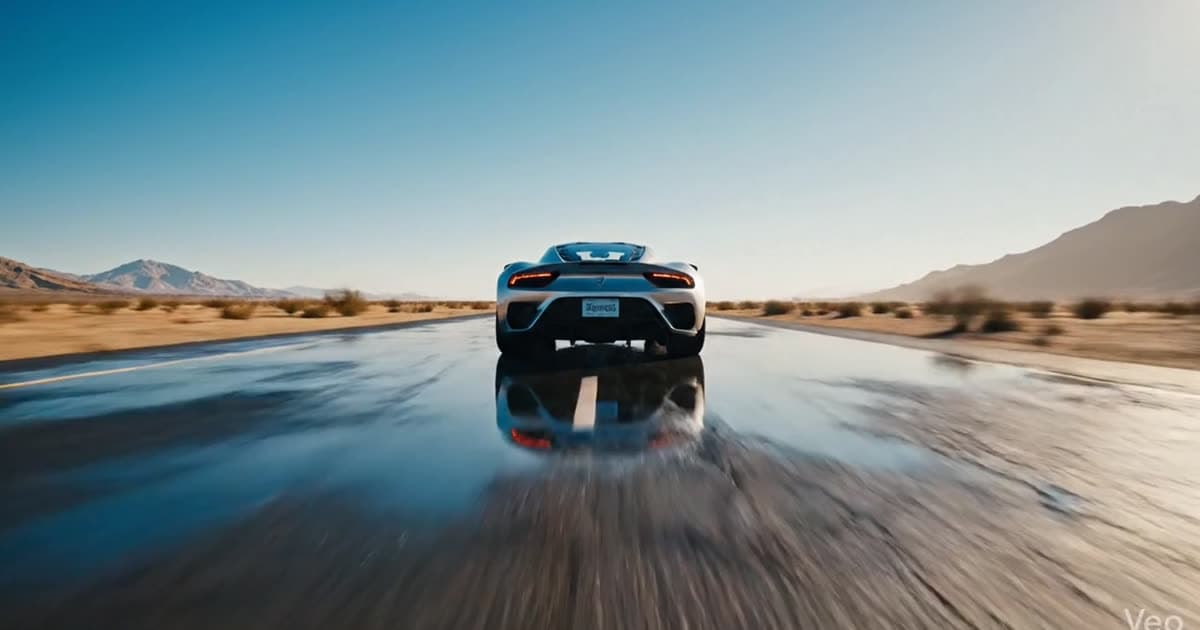
THE MIRROR HIGHWAY
Watch this the, mirror, highway 360° VR video and explore THE MIRROR HIGHWAY in full immersive view. Try it on mobile or VR headset.
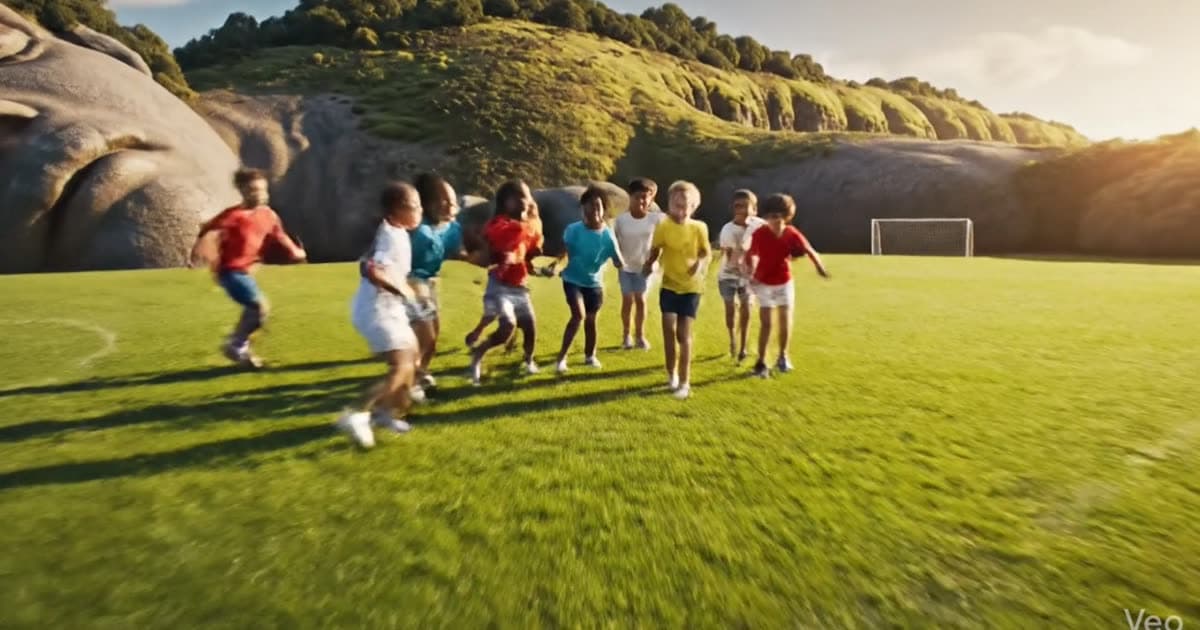
THE GIANT'S BACKYARD
Watch this the, giants, backyard 360° VR video and explore THE GIANT'S BACKYARD in full immersive view. Try it on mobile or VR headset.
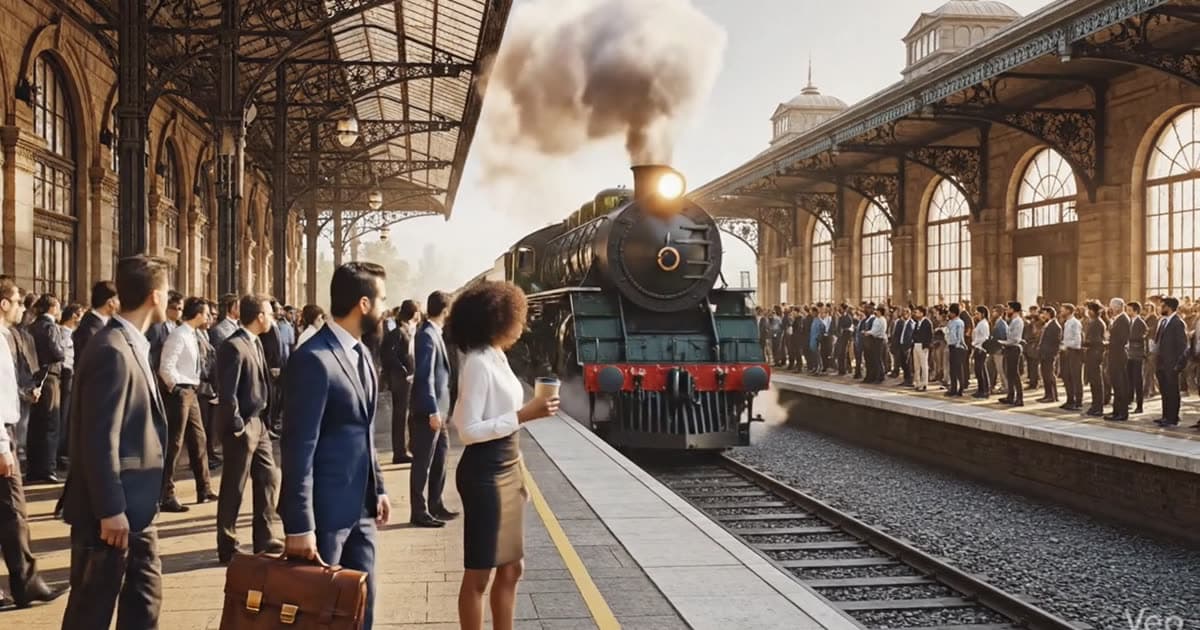
THE CLOUD CITY COMMUTE
Watch this the, cloud, city, commute 360° VR video and explore THE CLOUD CITY COMMUTE in full immersive view. Try it on mobile or VR headset.
Download 360° VR Videos by Topic
4K, 5.7K & 8K VR Video Download: Which Should You Pick?
Processing engines
IMRS 1
Standard · Fastest
Standard processing that keeps the original look. Ready the soonest.
IMRS 2
AI-upscaled
AI upscaling for sharper detail. Worth it when you want a crisp 5.7K or 8K file.
IMRS 2.1
Latest AI model
Our newest enhancement model, with better detail and sharpness than IMRS 2.
Engines available depend on your plan. Compare IMRS 1 vs IMRS 2 →
Have Your Own Video? Convert It, Then Download It as VR
Upload a normal MP4 or MOV and BuildVR's AI turns it into a 360° VR video, VR180 3D or a depth map. You can download the result in the same 4K to 8K resolutions.
Play Downloaded VR Videos on Any Headset
Meta Quest
Copy the MP4 over USB or open it in DeoVR, SKYBOX or Meta Quest TV.
Apple Vision Pro
Play 8K files in any visionOS player that supports 360° video.
Pico, Vive & PC VR
Works with standard 360° players on standalone and PC headsets.
VR Video Download FAQ
How do I download VR videos?
Open any video on this page or in the BuildVR library and click Download. Choose 4K, 5.7K or 8K and a processing engine, pay with credits, and download the finished MP4 once it is ready.
Is BuildVR a VR video downloader that works online?
Yes. Everything happens in your browser: there is no app to install. You pick a video, buy the resolution you want and download it straight from the site to your computer, phone or headset.
Can I download VR videos in 8K?
Yes. Every video in the library can be bought in 4K, 5.7K or 8K. 8K gives the most detail on headsets like Meta Quest 3 and Apple Vision Pro and for dome or projection work.
Are VR video downloads free?
Watching is free for every free video, right in your browser or headset. A downloadable copy is priced per video and per resolution, and you always see the price before you buy.
Can I download a VR video from a link?
You can download any video in the BuildVR library from its page link. We don't download videos from other websites. If you have your own footage, upload it to the BuildVR VR Video Converter to turn it into a 360° VR video and download that instead.
Which headsets can play the downloaded VR videos?
The files are standard MP4 360° VR videos. They play on Meta Quest 2, 3 and Pro, Apple Vision Pro, Pico and HTC Vive, in players such as DeoVR, SKYBOX and Pigasus, and in desktop players that support 360° video.
What's the difference between IMRS 1 and IMRS 2?
IMRS 1 is standard processing with the fastest turnaround. IMRS 2 and IMRS 2.1 use AI upscaling for sharper detail and take longer to process.